Jellyfish Lighting Sunset-to-Sunrise Sync: Setting It Up Once and Forgetting It
Jellyfish lighting sunset-to-sunrise sync uses your location to turn the system on and off automatically as daylight changes through the year.
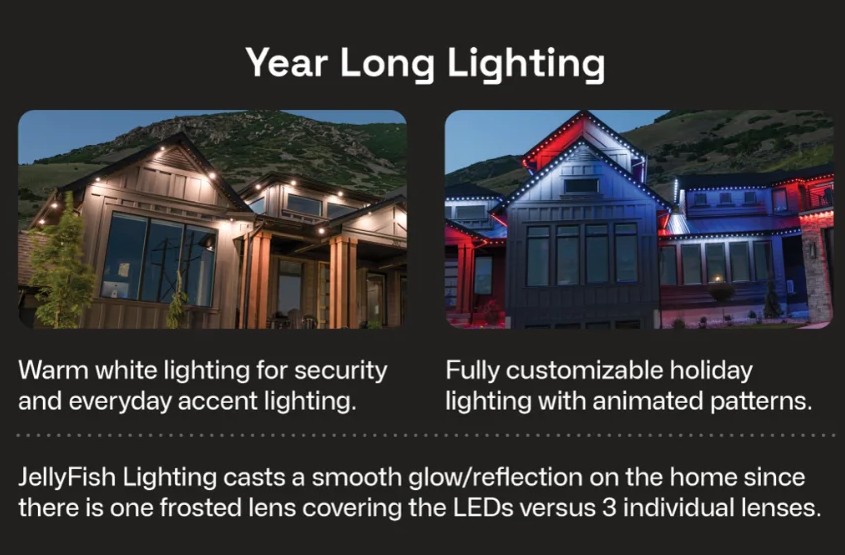
Jellyfish lighting sunset-to-sunrise sync lets the system turn on automatically as the sun goes down and off again in the morning, without you touching the app once the schedule is set. It uses your home's location to calculate actual sunset and sunrise times, so the schedule shifts on its own as the days get shorter or longer through the year.
This is the setting most homeowners land on within the first month of ownership, once they get tired of manually toggling the app every evening. It is also one of the simplest things to set up correctly the first time.
Here is how sunset sync works, how to set it up, and a few adjustments worth knowing about once it is running.
What sunset-to-sunrise sync actually does
Instead of a fixed clock time like 7:00 PM, sunset sync ties the on/off schedule to the actual sunset and sunrise times calculated for your address. In December that might mean lights come on around 5:15 PM, while in June it shifts to closer to 9:00 PM, all without you changing anything.
This matters in Northwest Ohio and Southeast Michigan, where daylight length swings a lot between summer and winter. A fixed schedule set in July would look wrong by December, either turning on lights while it is still bright out or leaving the house dark after sunset.
Because the app calculates this automatically, most homeowners set it up once during their first week with the system and never touch it again.
Setting it up the first time
In the app, sunset-to-sunrise sync is available as a schedule type alongside fixed clock times. Selecting it uses your home's location, already known from setup, to calculate daily sunset and sunrise automatically.
You can choose to run lights all night until sunrise, or set an offset so they turn off a set number of hours after sunset instead. Many homeowners choose an offset like 11:00 PM or midnight rather than running lights until sunrise every night.
Once saved, this schedule applies going forward without needing seasonal adjustment, which is the main advantage over a fixed-time schedule.
Applying sync across different zones
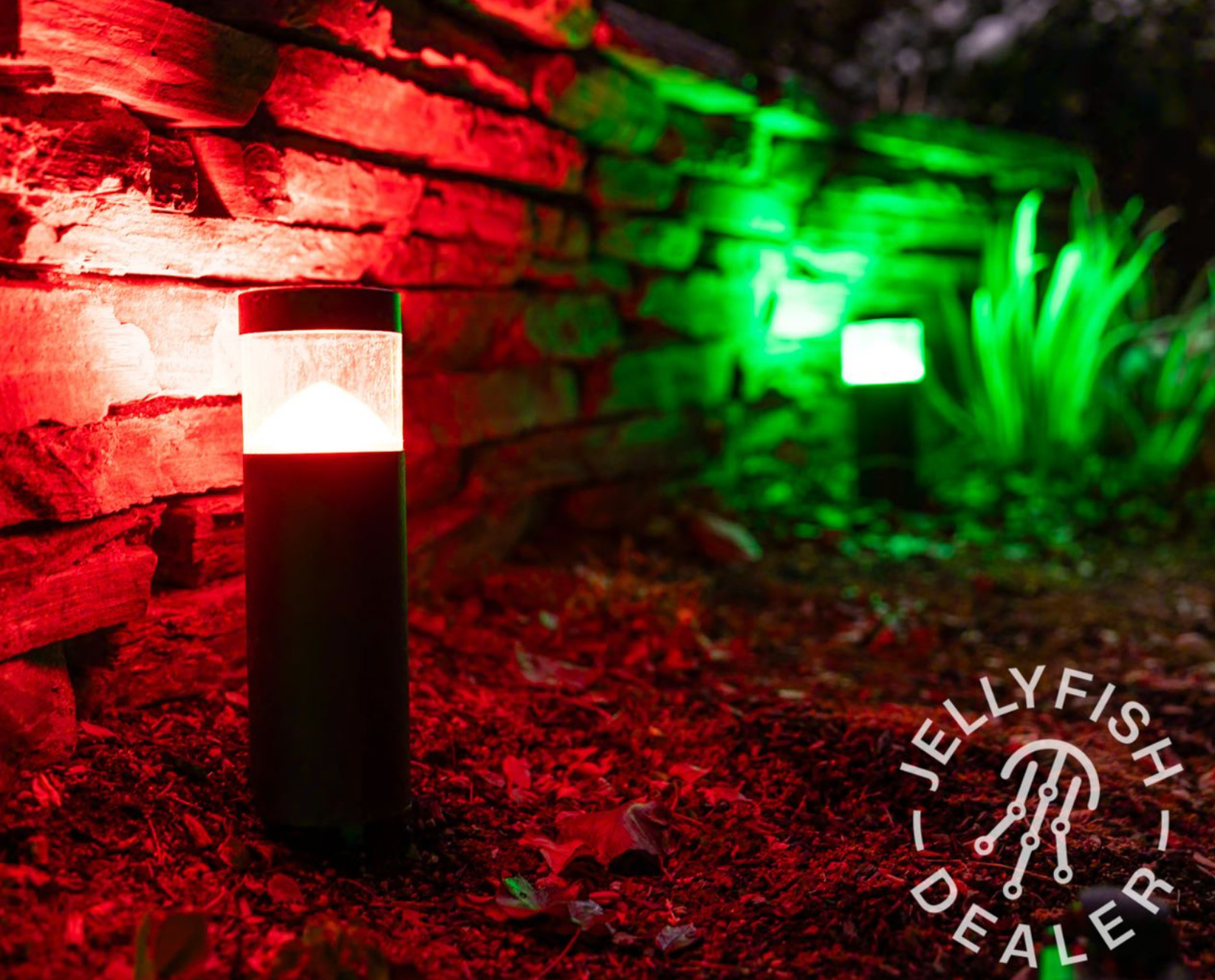
If your system is set up with separate zones, each zone can run its own sunset sync schedule with its own offset. A front zone might run all night for visibility, while a back patio zone turns off a couple hours after sunset once entertaining wraps up.
This is useful for homes where the front of the house serves more of a security and curb appeal role, while a back patio area is more occasional use tied to when people are actually outside.
Setting different offsets per zone takes only a minute more than setting one schedule for the whole house, and it is worth doing if your zones serve different purposes.
How this compares to a fixed schedule
A fixed clock schedule works fine for a few weeks but drifts out of sync with actual daylight as the seasons change, which means someone eventually has to go back into the app and adjust it. Sunset sync removes that maintenance step entirely.
The tradeoff is minimal. Sunset sync requires accurate location data, which is set once during initial app setup and does not need to be touched again unless you move.
For homeowners who want a hands-off system, sunset sync is the schedule type we recommend most often during initial walkthroughs.
- Lights turn on automatically at actual sunset for your address
- Optional offset lets you choose an off time after sunset instead of running until sunrise
- No manual seasonal adjustment needed
- Each zone can run an independent sunset sync schedule
- Location is set once during app setup
Overriding the schedule for one-off nights
Sunset sync does not lock you out of manual control. You can still open the app and switch to a different scene or color for a specific night, like a holiday or game day, without breaking the underlying schedule.
Once that manual scene ends or you switch back, the sunset sync schedule resumes running as normal the next evening. It is designed to be the default state you fall back to, not a restriction on one-off changes.
For ideas on building specific scenes to run on top of your regular schedule, see our post on seasonal scene presets or game day color schemes.
When to revisit your schedule settings
Most homeowners never need to touch their sunset sync settings again once it is dialed in, but a few situations are worth a quick check. If you add a new zone, confirm it is set to sync as well rather than defaulting to a fixed time.
If your Wi-Fi network changes or the controller gets reset for any reason, it is worth confirming the schedule survived the change, since a factory reset can sometimes clear custom schedules.
Beyond that, sunset sync is genuinely a set-it-once feature, which is part of why it is popular with homeowners who want the system to work without ongoing attention.
Frequently asked questions
Does sunset sync work accurately year-round in Ohio and Michigan?
Yes, it calculates sunset and sunrise based on your home's actual location and date, so it adjusts automatically through all four seasons without any manual input.
Can I still turn lights on manually during the day if I want to test a scene?
Yes, sunset sync only governs the automatic on/off schedule. You can still open the app anytime to preview or run a scene manually.
What happens if the power goes out overnight?
When power is restored, the controller resumes its saved schedule, including sunset sync, without needing to be reprogrammed.
Can different zones have different sunset offsets?
Yes, each zone can run its own sunset-to-sunrise schedule and offset independently of other zones on the same system.
The bottom line
- Sunset sync uses your home's location to calculate real sunset and sunrise automatically.
- It removes the need for seasonal manual schedule adjustments.
- You can add an offset to turn lights off a set number of hours after sunset.
- Zones can run independent sunset sync schedules.
- It is the easiest way to make Jellyfish lighting fully hands-off.
Set it up once, let it run itself
We configure sunset-to-sunrise scheduling during your install walkthrough so your lights just work every evening.
Explore Jellyfish lighting