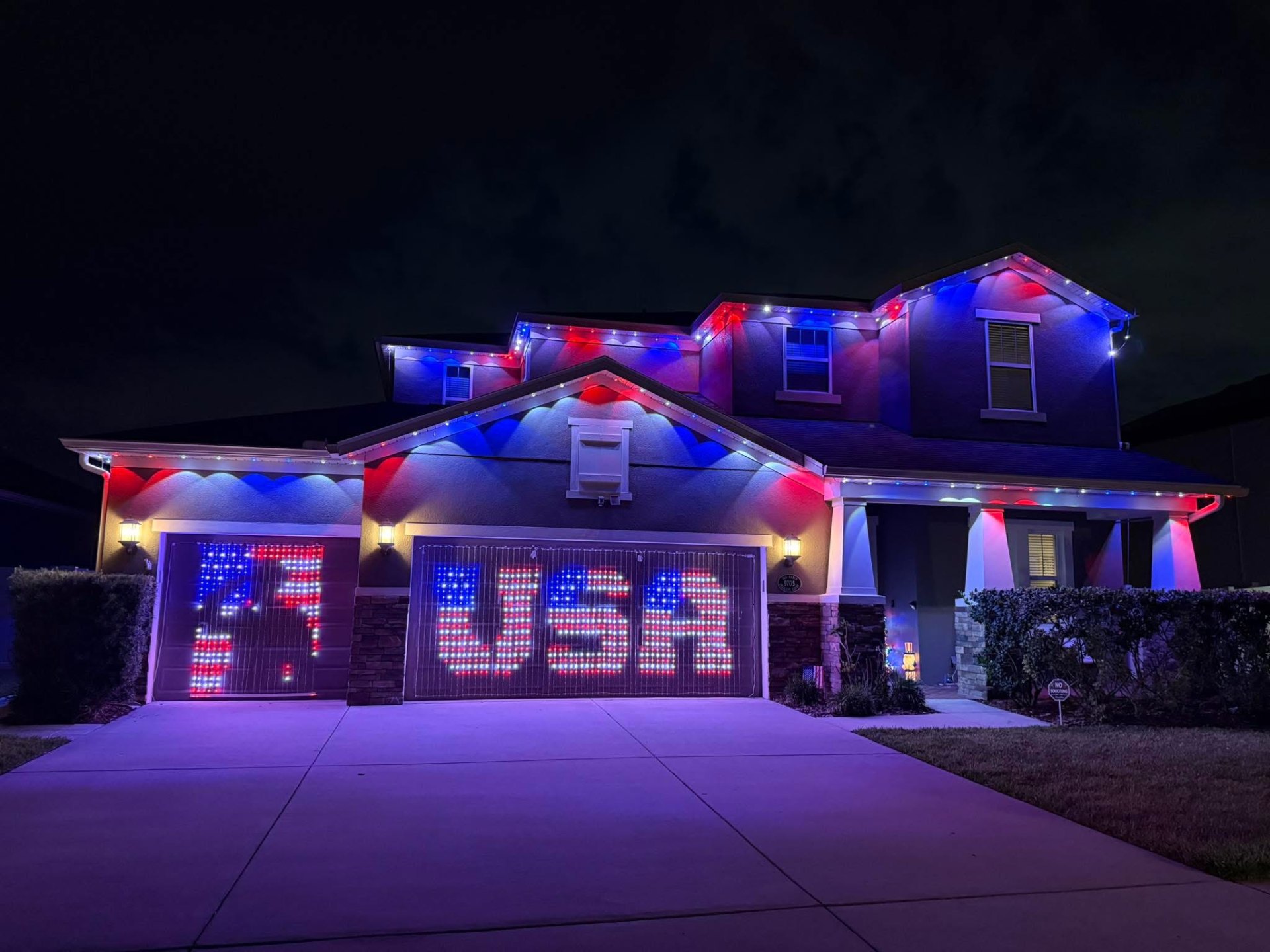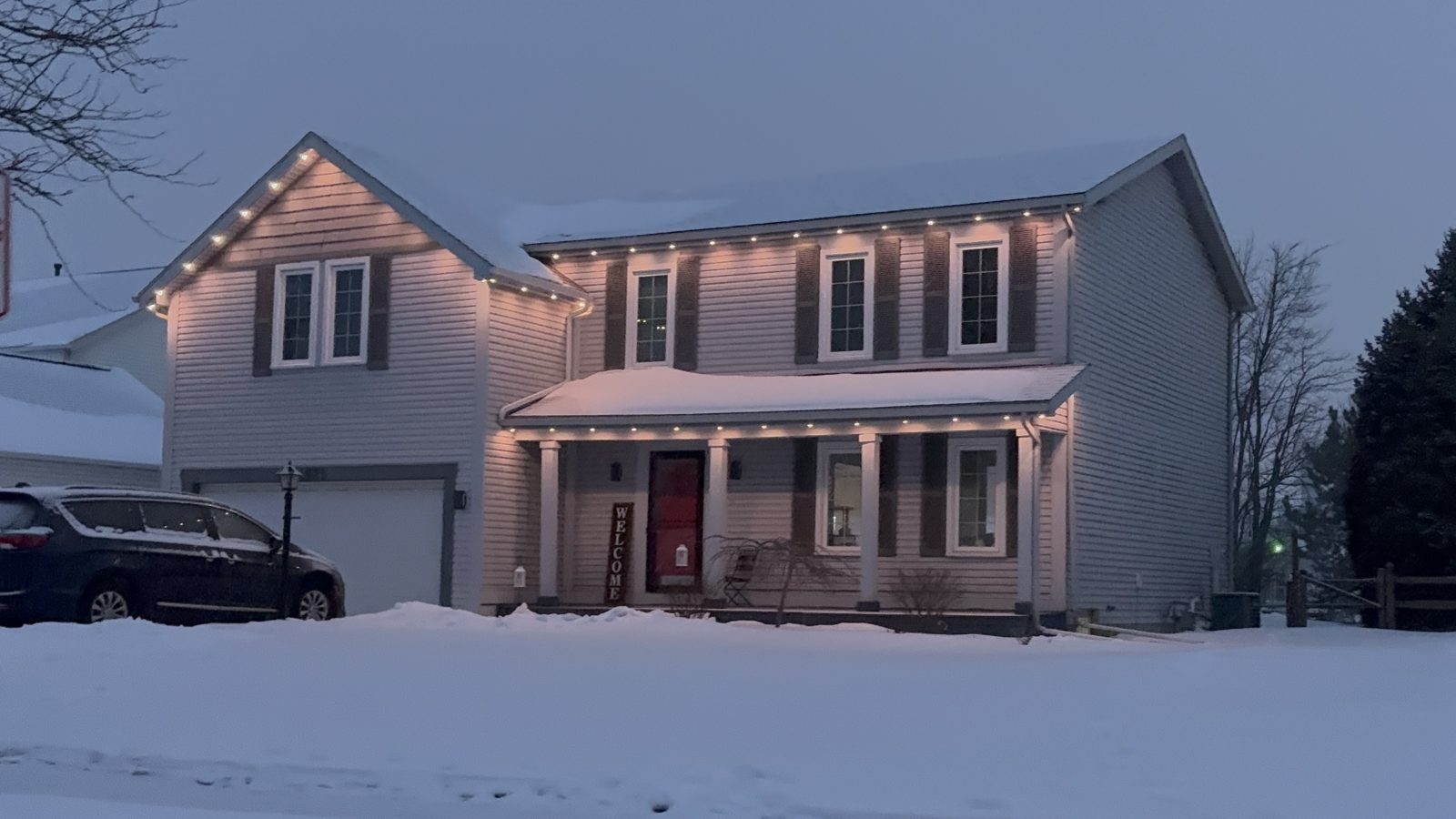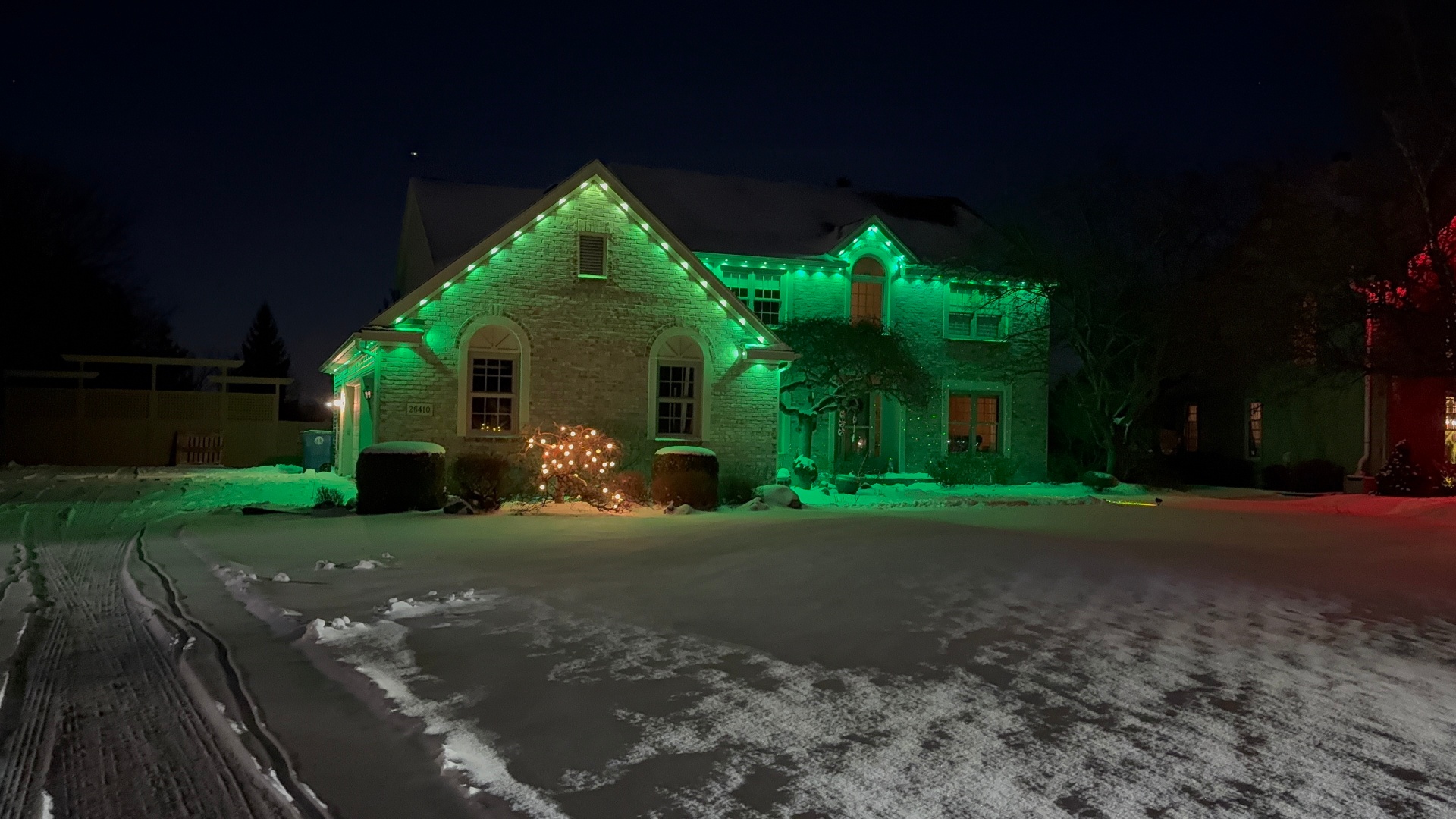
How to Set Up Jellyfish Lighting Zones for Every Room in Your Yard
How to set up Jellyfish lighting zones so different areas of your roofline and yard can run their own colors, schedules, and scenes.
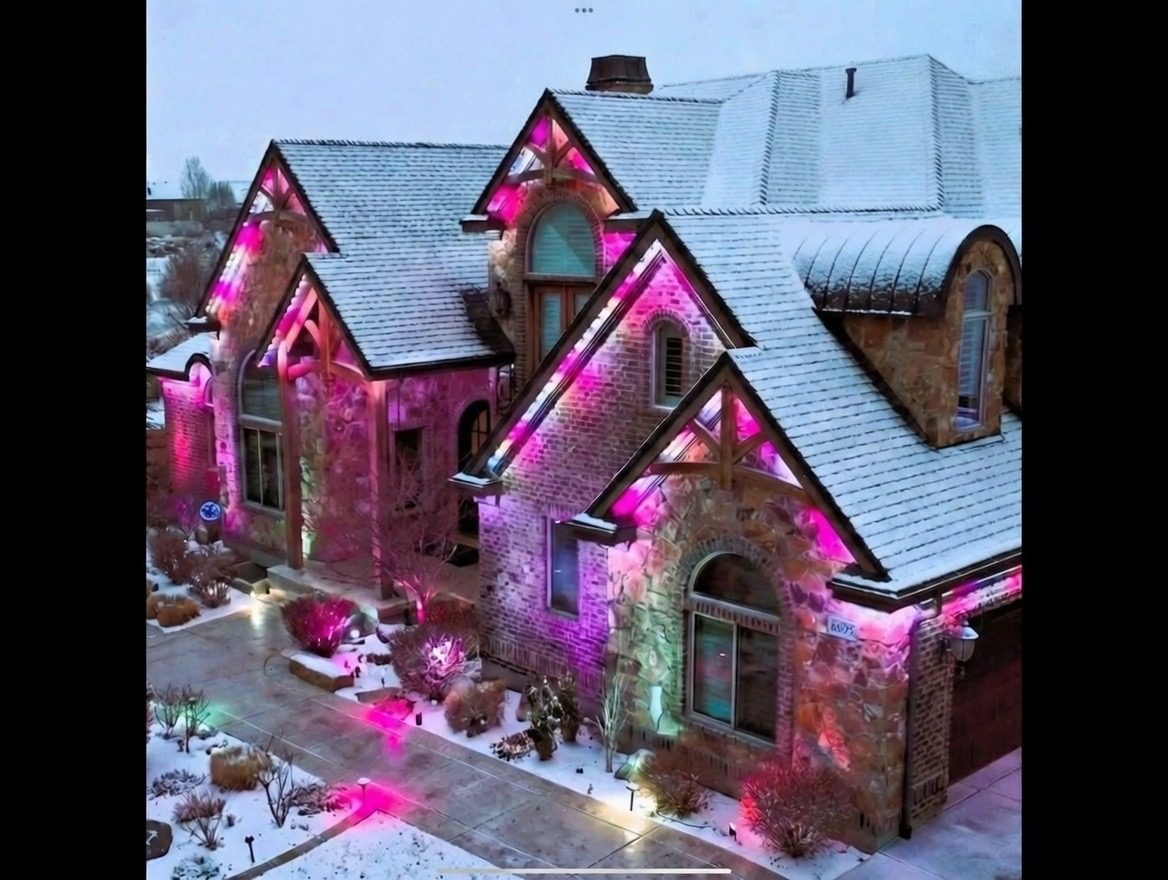
Jellyfish lighting zones let you split your roofline and yard into sections that each run their own color, brightness, or schedule instead of treating the whole house as one light. That means the front porch can glow warm white for a dinner party while the back patio runs a different scene entirely.
Zones are set up in the app after installation, based on how the track was physically wired into runs during the install. Understanding how zones map to your actual roofline helps you get more use out of the system than just picking one color for the whole house.
This guide covers how to plan zones before install and how to organize them in the app once your Jellyfish lighting system is live.
What a zone actually is in the Jellyfish system
A zone is a defined section of track, made up of one or more physical runs, that the app treats as a single controllable unit. You can set a color for a zone, dim it independently, or schedule it separately from the rest of the house.
Zones are configured based on how the electrician or installer wired the track back to the controller, so the split happens at the hardware level first and gets labeled in the app second.
This is different from just picking different colors along one continuous run, since true zones can run on entirely separate schedules, not just separate colors within the same schedule.
Planning zones before installation day
The best time to think about zones is during the site walk, before any track goes up. If you know you want your front elevation to run holiday colors while a back patio area stays warm white year-round, mention that up front.
Common natural splits include front of house versus back, upper roofline versus lower porch roof, and separate structures like a detached garage or pergola. Each of these can become its own zone with a little planning.
Homes with architectural features like a portico or bay window sometimes benefit from a dedicated small zone just for that feature, so it can be highlighted independently during scenes.
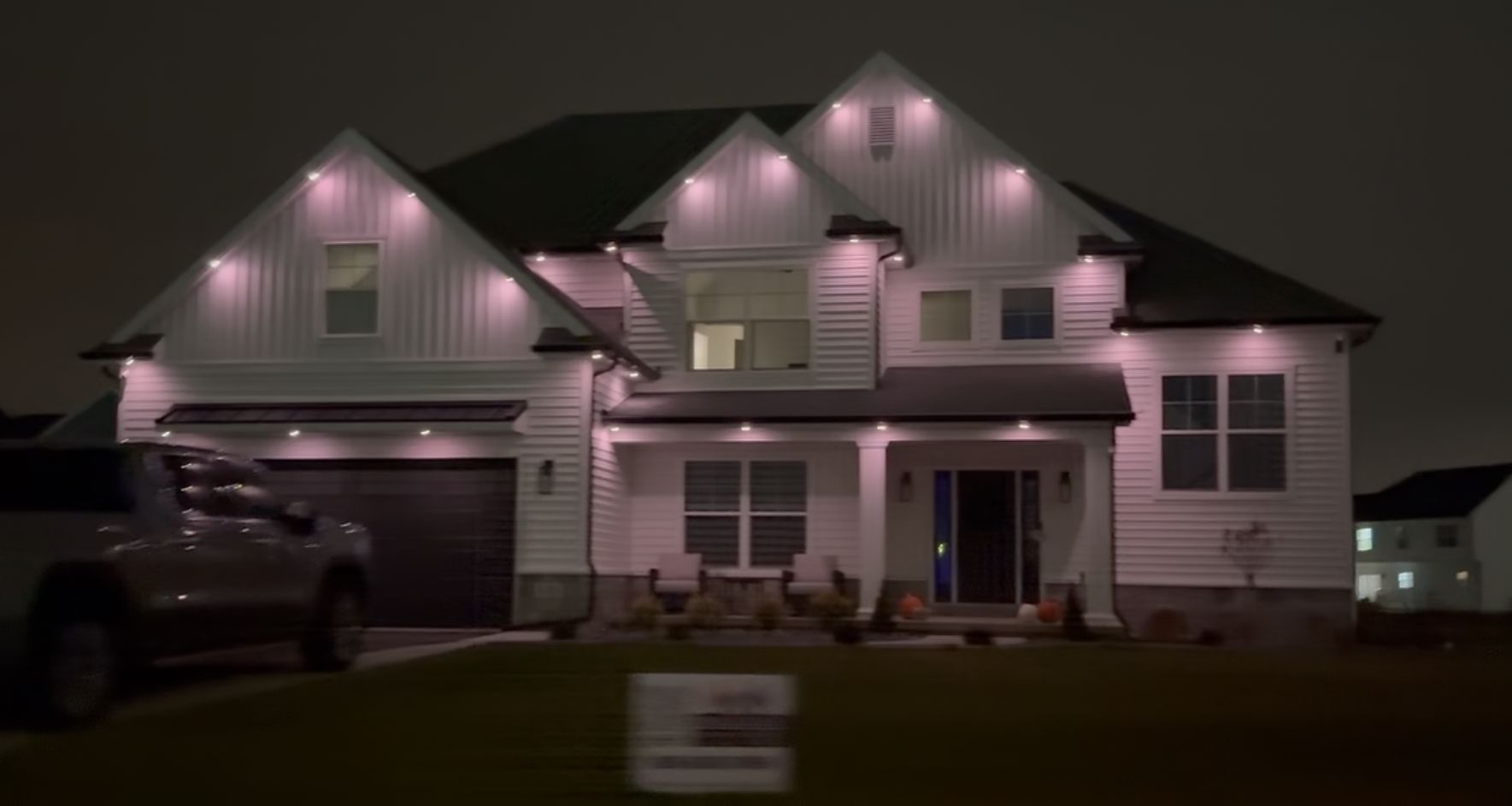
Common zone layouts homeowners choose
Front and back zones are the most requested split, since the areas serve different purposes. A front zone often stays more conservative for street-facing curb appeal, while a back patio zone can run brighter colors for entertaining without being visible from the road.
Multi-story homes sometimes zone by level, letting a lower porch roof run a different scene than the main upper roofline. This is useful for homes with a wraparound porch that visually reads as a separate element.
Detached structures like garages, gazebos, or pool houses are usually wired as their own zone since they may need a separate power run anyway.
- Front versus back of the house
- Upper roofline versus lower porch or bay window
- Main house versus detached garage or structure
- Architectural accent features as their own small zone
- Patio or entertaining area separate from street-facing elevations
Setting up and naming zones in the app
Once installed, the app shows your zones as separate tiles or groups, which you can rename to match how you think about your house, like 'Front' or 'Patio' rather than generic labels. Clear naming makes scene building much faster later.
You can assign different scenes to each zone and save combinations as a whole-house preset, so tapping one button runs the front in warm white and the patio in a color scene simultaneously.
For more on building out scene presets across zones for different seasons, see our guide on Jellyfish lighting scenes and presets.
Avoiding awkward transitions between zones
The most common zone mistake is splitting a run in a spot where two colors meet in a visually awkward place, like the middle of a straight roofline instead of at a natural corner or structural break. Planning the split at a corner keeps the transition looking intentional.
Sightlines matter too. If your patio and front zones are both visible from a common vantage point, like the street or a neighbor's yard, running clashing colors at once can look unplanned rather than deliberate.
A quick walk around the property during planning, checking where each zone will be visible from, prevents most of these issues before installation.
Zones for practical needs beyond aesthetics
Zones are not just for color variety. Some homeowners use a security-focused zone near entry points that runs brighter white on its own schedule, independent of decorative color changes elsewhere.
Rear zones near bedrooms sometimes get scheduled to turn off earlier than front zones to avoid light spilling into windows, while front zones stay on later for visibility and curb appeal.
Because zones can run independent schedules, this kind of practical customization does not require sacrificing the decorative scenes you want elsewhere on the house.
Frequently asked questions
Can zones be changed after installation?
Some regrouping is possible in the app depending on how the wiring runs were split during install, but major changes to zone boundaries usually require adjusting the physical wiring. It is easier to plan zones before installation.
How many zones can a typical home have?
Most homes end up with two to five zones depending on roofline complexity and how many structures are covered. There is no strict limit, but more zones mean more planning during install.
Do zones cost extra to set up?
Zoning is part of the standard installation planning process rather than an add-on fee, since it is really about how the wiring runs are organized. Ask about your specific layout during your quote.
Can I control just one zone from my phone without affecting the rest of the house?
Yes, the app lets you select an individual zone and change its scene, color, or schedule without touching any other zone.
The bottom line
- Zones let separate sections of your home run independent colors and schedules.
- Plan zone splits before installation since they are tied to wiring runs.
- Natural splits include front versus back, by level, or by structure.
- Clear zone naming in the app makes building scenes faster.
- Plan transitions at corners and consider sightlines to avoid awkward color clashes.
Plan your zones during your site walk
We map zone splits to your roofline before install so front, back, and every structure works the way you want.
Explore Jellyfish lighting