A Homeowner's Complete Guide to Jellyfish Lighting Ownership
A practical guide to Jellyfish lighting ownership: how the system works day to day, what upkeep looks like, and how to get the most from it.
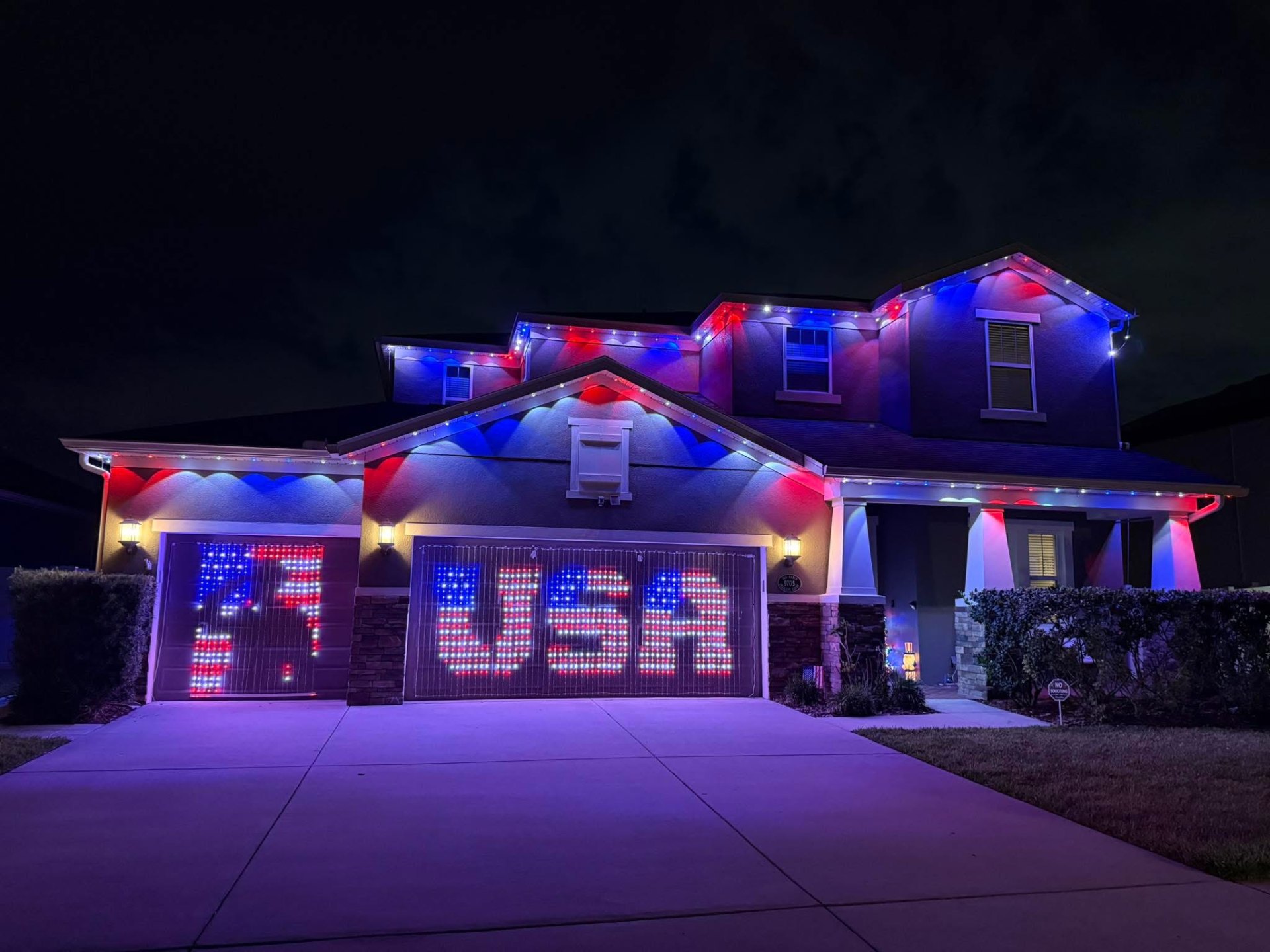
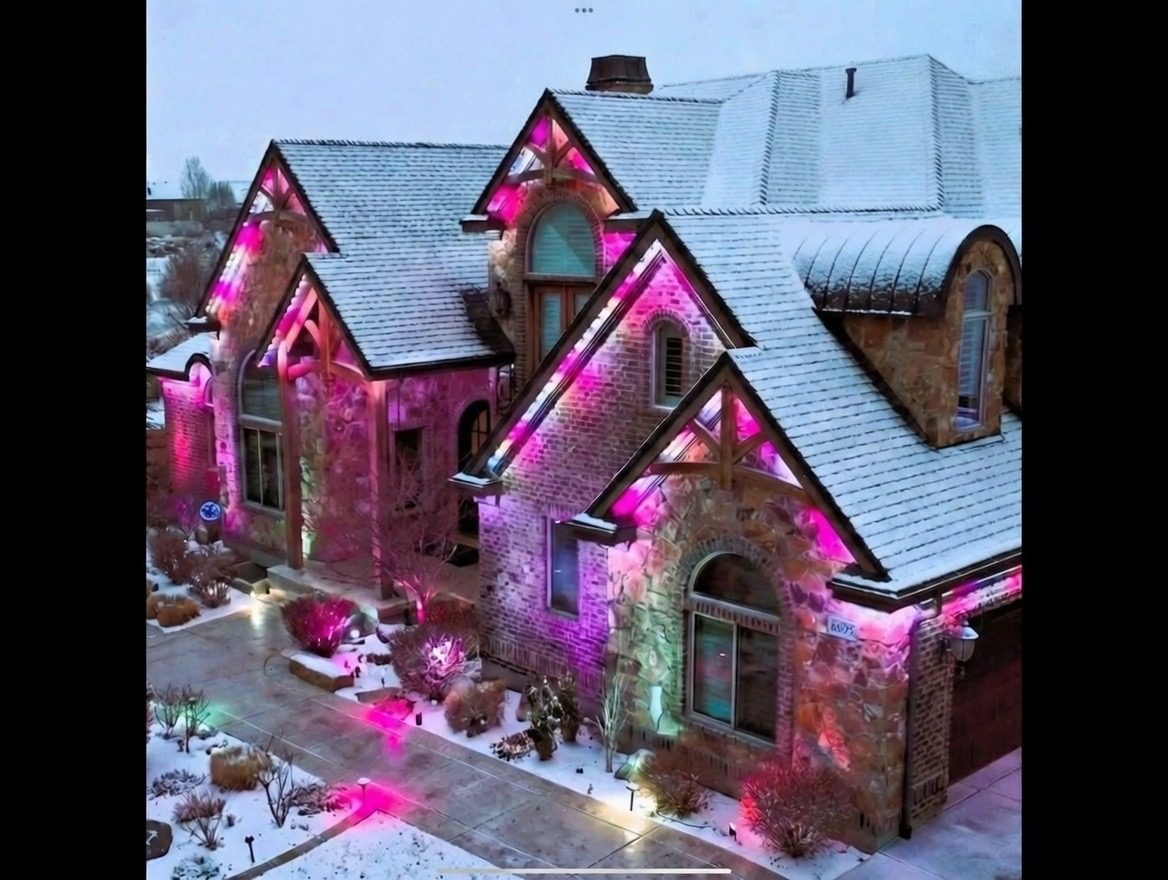
Jellyfish lighting ownership means more than picking a color for the holidays. Once the track is on your roofline and the controller is wired up, the system becomes something you actually live with: an app you check before a party, a scene you set for a Sunday afternoon, a light you barely think about until you want it to look different.
Homeowners who get the most out of the system tend to treat it the same way they treat any smart home device, checking for app updates, learning the scheduling tools, and knowing who to call if something acts up. None of that is complicated, but it helps to know it up front.
This guide walks through what day-to-day ownership actually looks like, from your first week with the app to years down the road, so you know what to expect from Jellyfish lighting beyond the install day.
What changes once the system is installed
Right after installation, most homeowners spend a week or two exploring preset scenes just to see what the system can do. That novelty period is normal and useful, since it helps you learn where the good scenes live in the app before you need them for an actual event.
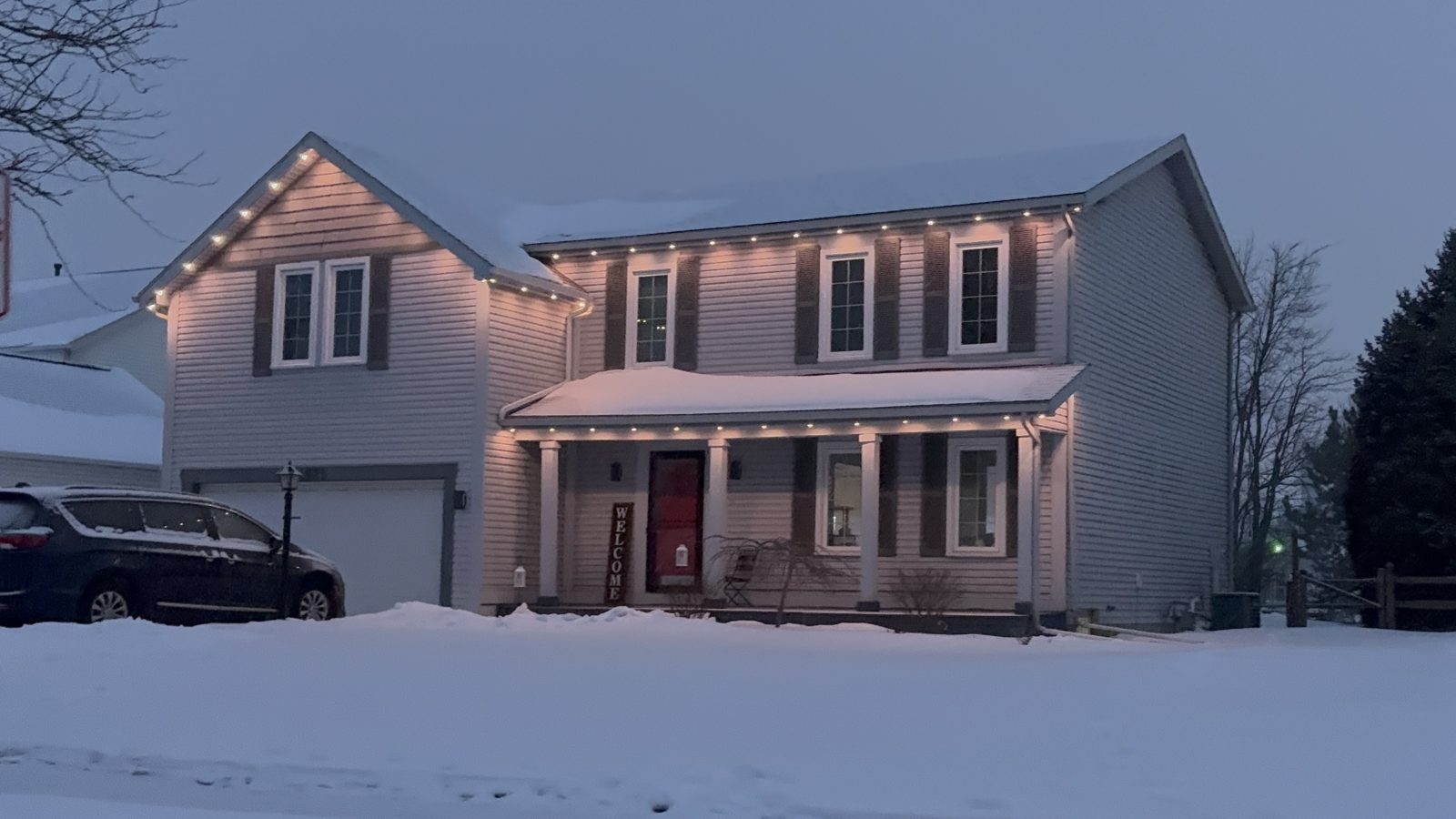
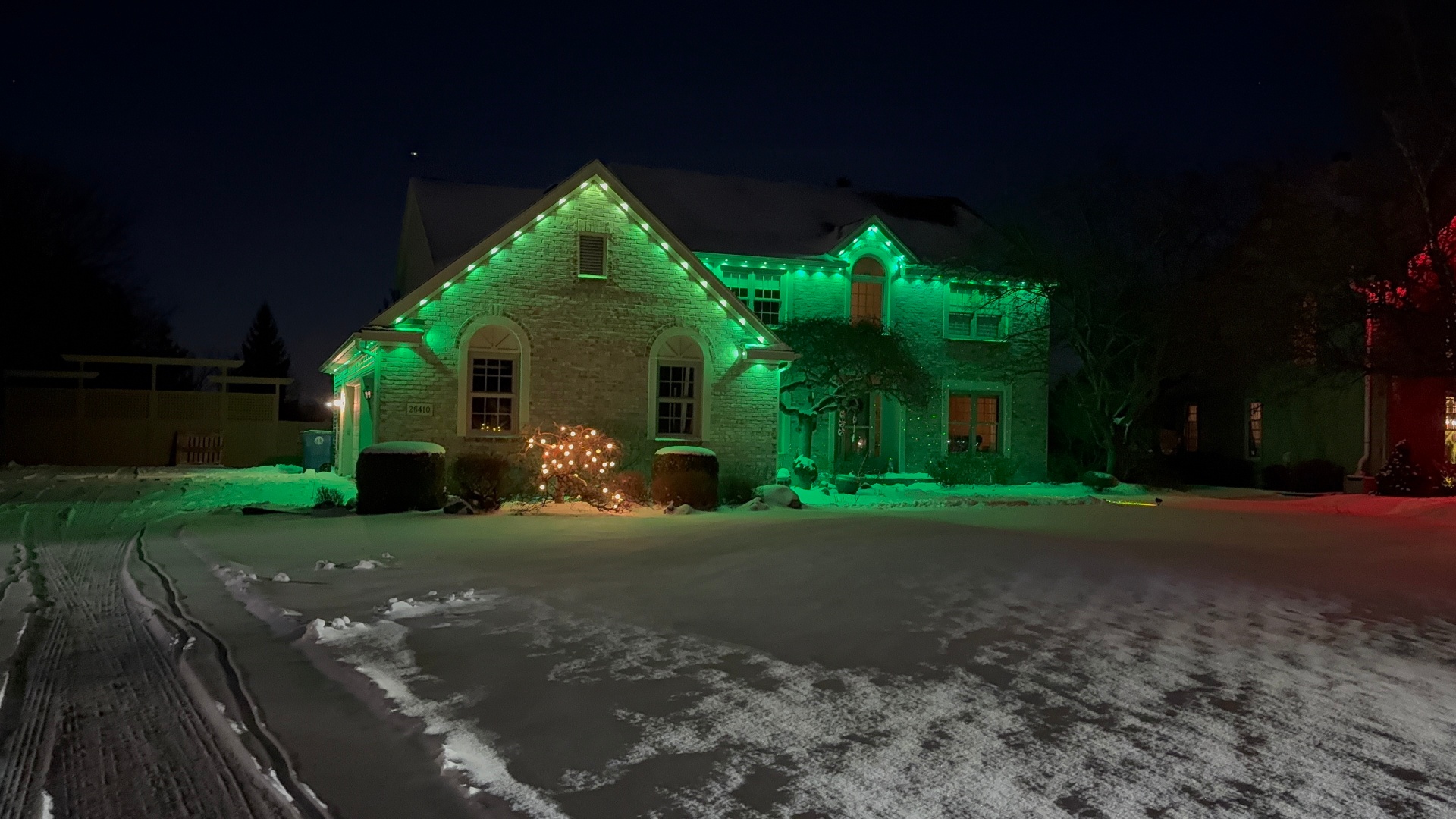
After that, usage tends to settle into a pattern: a warm white default for most nights, with color scenes reserved for holidays, birthdays, or game days. Building your own shortcuts for the scenes you actually use saves time later.
The lights themselves do not need attention beyond what you give them through the app. There is no bulb to replace or timer to reset by hand once a schedule is in place.
Setting up scenes and schedules that fit your life
Most owners start with a daily schedule so lights turn on around sunset and off at a set time, which removes the need to open the app every evening. From there, custom scenes for holidays or events can be saved and recalled with a tap.
It helps to organize scenes into categories in the app early on, grouping everyday whites separately from seasonal or team colors. This keeps the scene list from becoming cluttered as you build out more options over time.
For a deeper walkthrough of zone and scene setup, see our posts on setting up lighting zones and building seasonal scene presets.
What routine upkeep actually looks like
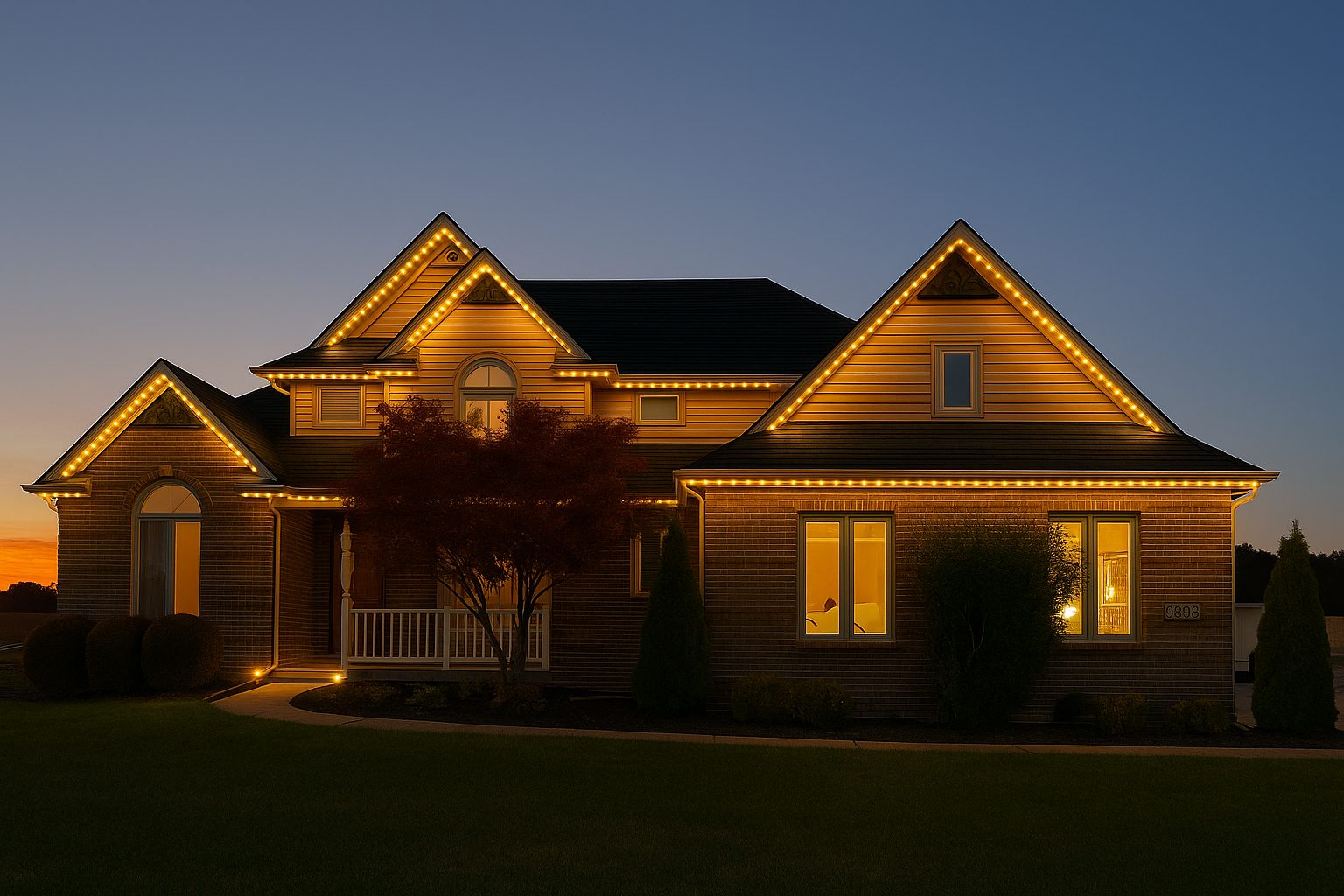
Jellyfish track is designed to stay in place through Ohio and Michigan weather, so there is no seasonal removal like traditional string lights. A rinse from a garden hose once or twice a year keeps pollen, dust, and cobwebs from dulling the diffusion on the track.
After significant storms or heavy ice, it is worth a quick visual check from the ground to confirm nothing has pulled loose or been damaged by falling branches. This takes a minute and catches most issues before they become bigger.
Because the LEDs live inside a sealed track, there is no bulb-by-bulb maintenance the way there is with traditional holiday lighting.
- Rinse track lightly once or twice a year to clear dust and pollen
- Visually check the roofline after major storms
- Keep the app updated so scenes and firmware stay current
- Confirm your router or mesh Wi-Fi still reaches the controller after any network changes
- Note any dim or dark sections and report them early rather than waiting
Keeping the Wi-Fi connection reliable
Because the controller depends on your home Wi-Fi to receive commands, connection quality affects how responsive the system feels day to day. A controller mounted in a garage or attic at the edge of your router's range can lag or drop occasionally.
If your home already uses a mesh Wi-Fi system, placing a node closer to the controller usually solves any lag. Homes with a single router in a distant part of the house sometimes benefit from a simple range extender near the garage.
Router firmware updates and password changes occasionally require reconnecting the controller to the network, which only takes a couple of minutes in the app.
What ownership costs beyond the initial install
The electricity draw for LED lighting is low compared to older incandescent string lights, since LEDs convert more of the energy they use into light rather than heat, according to the U.S. Department of Energy. We cover the specifics of usage in our electricity usage breakdown.
Beyond electricity, ongoing costs are minimal. There is no seasonal labor to pay for hanging and taking down lights, since the system stays up year-round.
If you ever want to expand coverage, such as adding a detached garage or a fence line, that is a separate project scoped like the original install rather than a recurring cost.
Getting help when something does not look right
Most issues homeowners run into are app or connection related rather than hardware failures. Our troubleshooting guide covers the most common app connection issues and how to fix them without a service call.
For anything involving the physical track, wiring, or a section that will not light no matter what the app shows, it is worth reaching out directly rather than guessing. As your authorized dealer, we can walk through it with you or schedule a visit.
Coverage details for hardware issues are outlined in our warranty explainer, which is worth bookmarking even if you never need it.
Getting the most out of long-term ownership
Owners who use the system the most tend to check the app for new preset scenes periodically, since manufacturer updates sometimes add new options worth trying. It costs nothing to explore a new scene before a holiday.
Building a small habit of checking the roofline visually every season, even briefly, keeps small issues from turning into bigger ones. This is the same mindset as checking gutters or a furnace filter.
Ultimately, the system is meant to fade into the background of daily life and show up when you want it to, whether that is a quiet warm white evening or bright team colors on game day.
Frequently asked questions
Do I need to do anything seasonally with Jellyfish lighting?
No seasonal removal is needed since the system stays mounted year-round. A light rinse once or twice a year and a quick visual check after storms is really all that is required.
What happens if my Wi-Fi goes down?
The controller keeps running its last saved scene or schedule during a brief outage, but you will not be able to change scenes remotely until the connection is restored.
Can I add more track later if I extend my home or add a structure?
Yes, additional track can be added to cover a new addition, garage, or fence line as a separate project scoped the same way as the original install.
How do I know if something is a hardware problem versus an app problem?
If the app shows a scene running but no lights change, it is usually a connection issue. If a specific physical section stays dark across every scene, that points to a hardware issue worth reporting.
The bottom line
- Ownership is mostly about learning the app, not maintaining hardware.
- A stable Wi-Fi connection near the controller keeps the system responsive.
- Routine upkeep is limited to occasional rinsing and post-storm checks.
- Most day-to-day issues are software related and quick to resolve.
- The system is built to run year-round without seasonal labor.
See what year-round ownership looks like
We install, program, and walk you through the app so ownership stays simple from day one.
Explore Jellyfish lighting