Jellyfish Lighting for Game Day: Syncing Colors to Your Favorite Team
How to set up Jellyfish lighting game day colors for your favorite team, from picking accurate shades to scheduling scenes for kickoff.
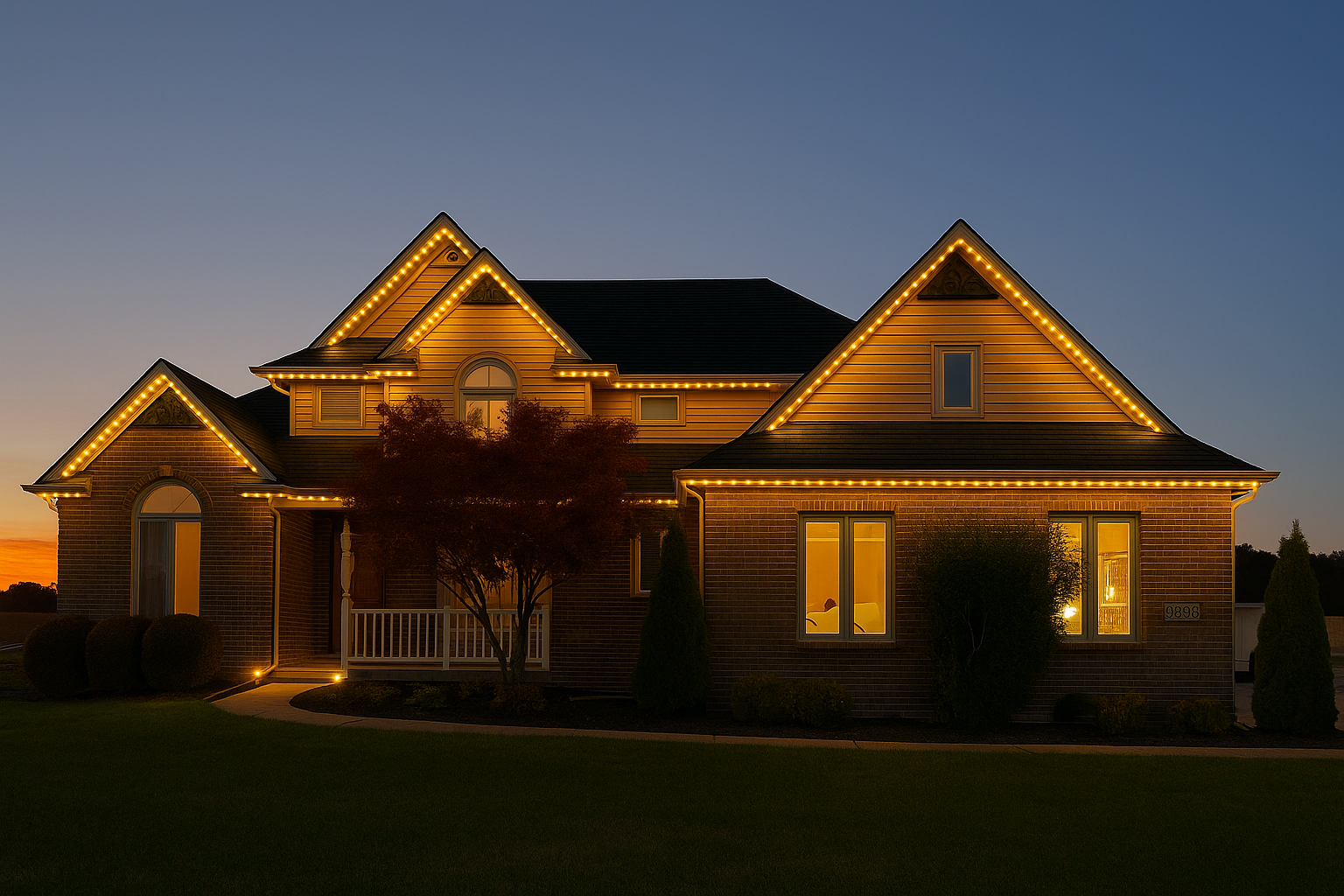
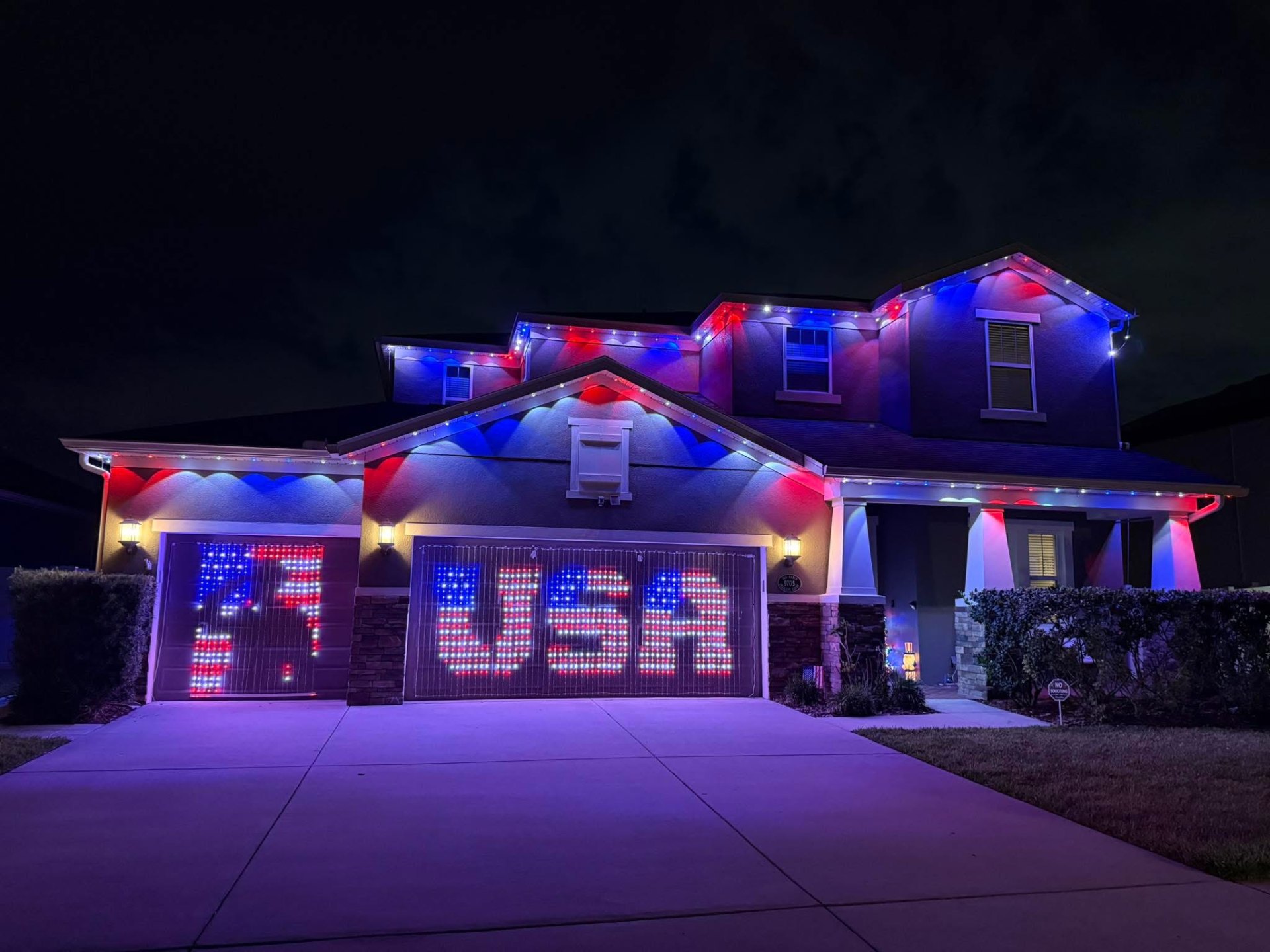
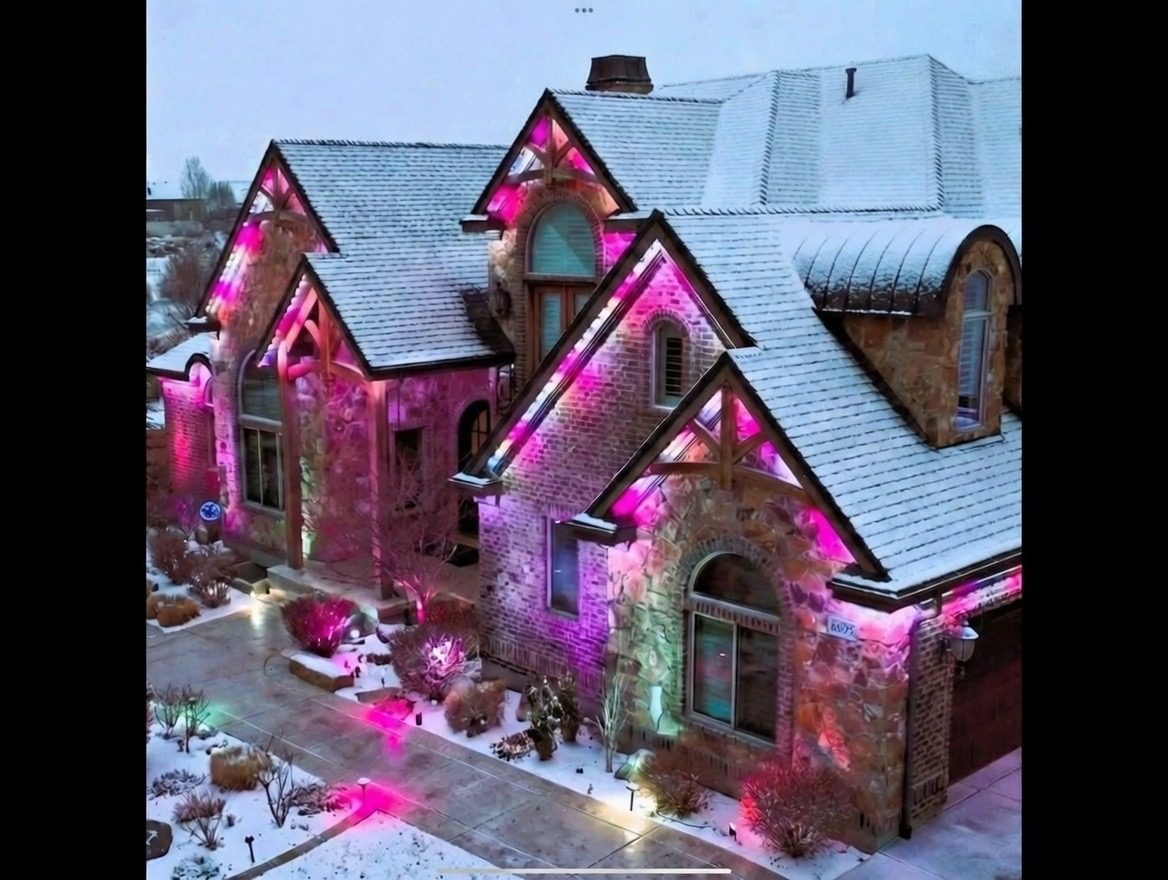
Jellyfish lighting game day colors let you switch your entire roofline to your team's colors before kickoff and back to normal afterward, all from the app. This has become one of the more popular uses of the system in Northwest Ohio and Southeast Michigan, where college and pro team loyalty runs deep.
Setting this up well takes a little more than just picking two colors at random. Matching shades accurately, deciding how much of the house to cover, and scheduling the switch around game time all affect how good the final look is.
Here is how to build a game day scene that looks sharp on your Jellyfish lighting system, whether you are cheering for the Buckeyes, the Wolverines, or an NFL team.
Why team color scenes are popular in this region
College football rivalries and pro team loyalty run strong across Northwest Ohio and Southeast Michigan, and permanent lighting gives fans a way to show that loyalty without hanging a banner or flag every weekend. A house lit in team colors for a Saturday game reads clearly from the street in a way a small flag does not.
Because scenes are saved and reusable, the effort of building a good team color scene only has to happen once. After that, it is a single tap to switch for every home game or big matchup.
This works well for college towns and NFL fan bases alike, and many homeowners build more than one team scene if the household roots for more than one team throughout the year.
Matching your team's actual colors accurately
Most sports teams have specific, official color shades rather than generic red, blue, or green, and getting close to the actual shade makes a noticeable difference in how recognizable the scene looks. A slightly orange-red instead of a true team red can look off even if it is technically 'red'.
Many fans search for their team's official hex color codes, which are widely published online, and enter those specific values in the app's custom color picker rather than relying on a preset color option that may not match exactly.
It is worth testing your chosen colors on the actual track at night rather than judging them from how they look on a phone screen, since LED colors can render differently outdoors than they appear in the app preview.
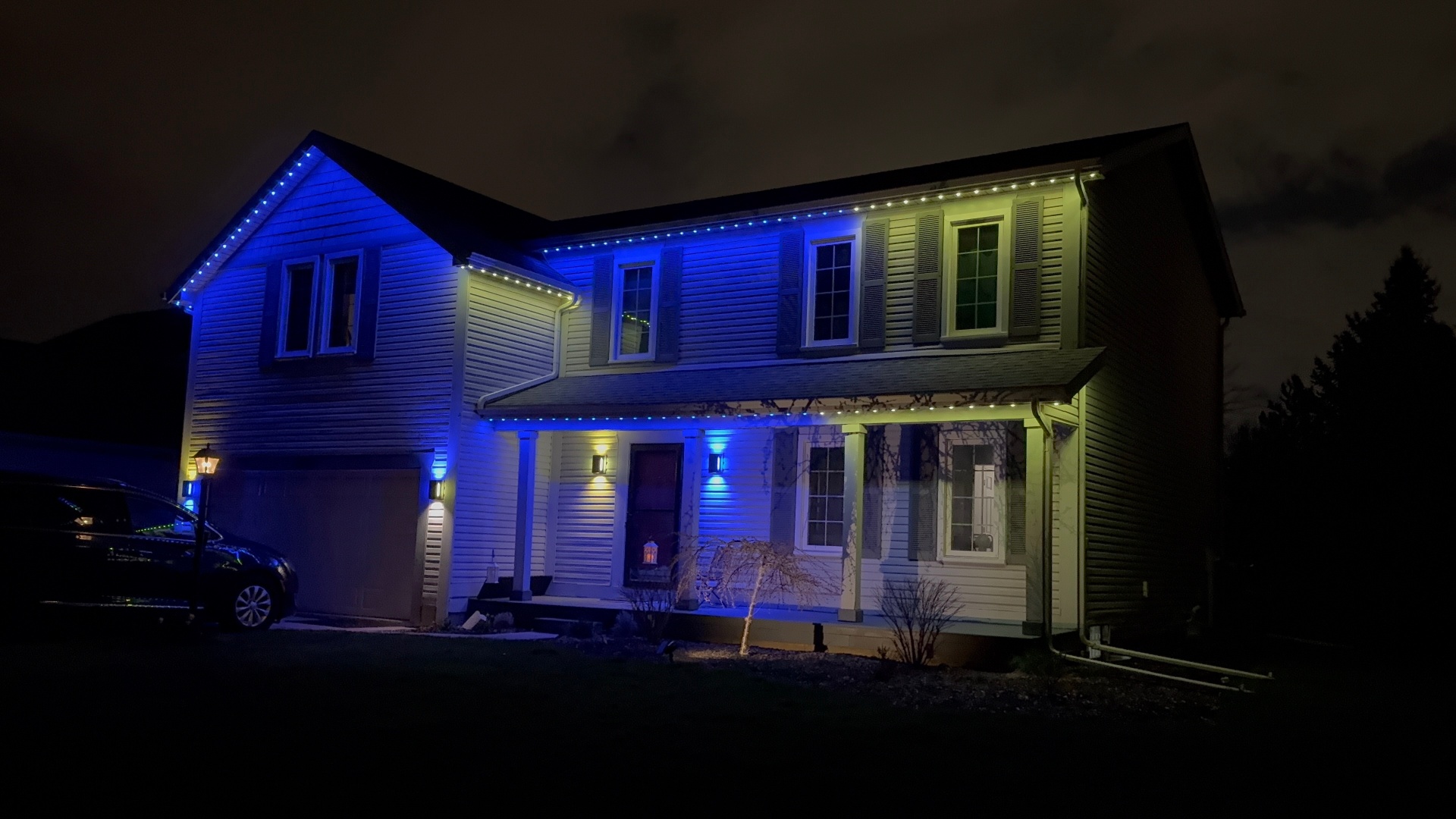
Deciding how much of the house to light up
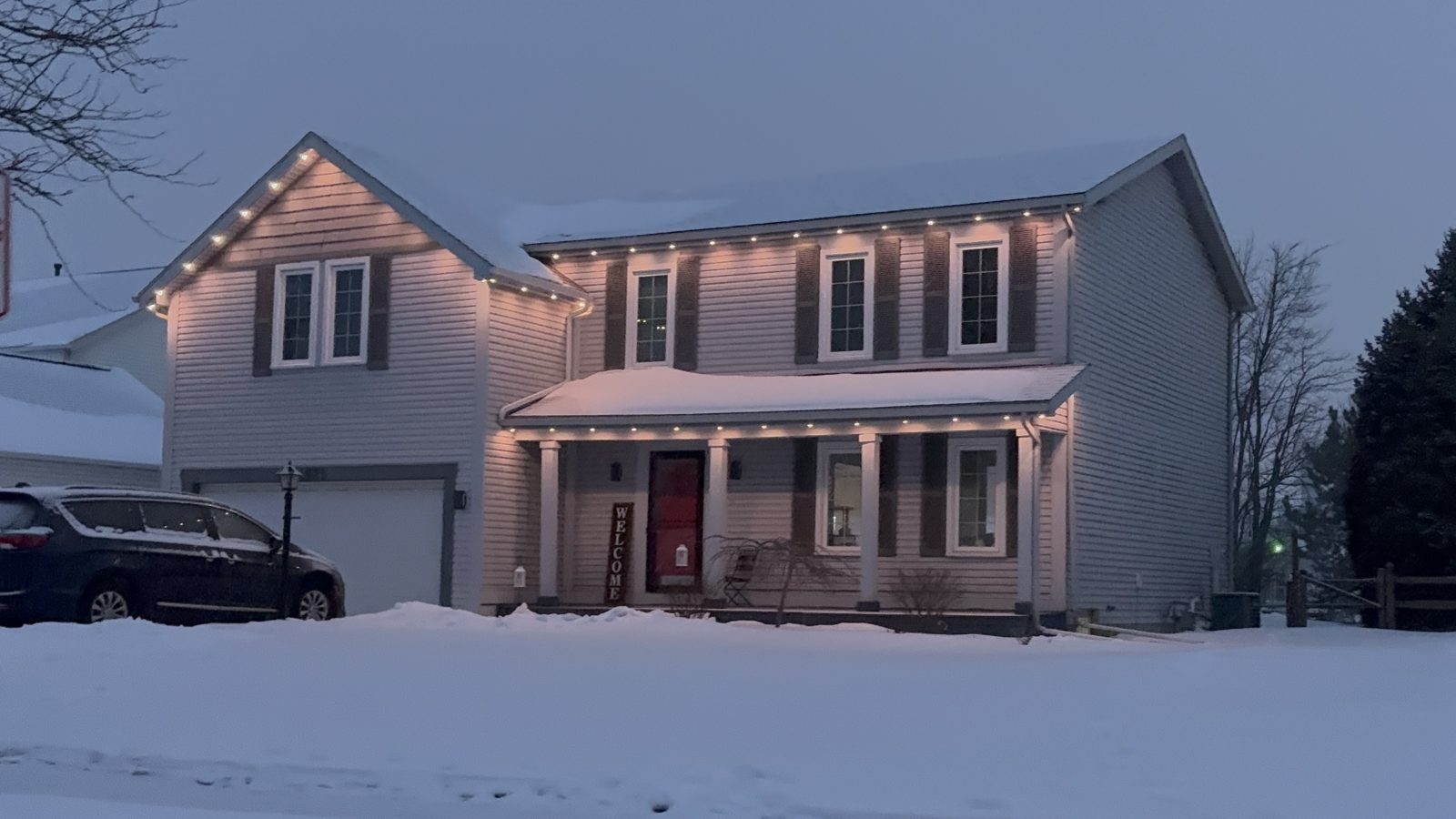
Some homeowners run team colors across the entire roofline for maximum visibility, while others reserve just a front-facing zone for game day colors and keep other areas on their everyday warm white. This is where zone setup matters, since a dedicated zone lets you commit fully to team colors on the street-facing side without touching a back patio area.
Whole-house team color displays make the biggest statement but mean giving up your usual look entirely for the day. A single zone approach is a good middle ground for homeowners who want to show support without a total color change everywhere.
Either approach works well, and it mostly comes down to personal preference and how visible different parts of your home are from the street.
Building patterns beyond a simple two-color split
Beyond a straight split of two team colors, some homeowners build alternating patterns, chase effects, or a pulsing effect timed to specific moments like a touchdown celebration. These effects use the same individually addressable pixel technology that makes other custom scenes possible.
A simpler, steady two-color scene tends to look better for general game-day ambiance, while dynamic effects work well for a specific celebratory moment rather than running throughout an entire game.
It is worth building both a steady scene for general game day and, if you want, a separate celebration scene you can trigger manually for a big play, since these serve different purposes.
- A steady two-color scene for general game day ambiance
- A dedicated front zone in team colors with the rest of the house on everyday warm white
- A separate celebration scene with a pulse or chase effect for big moments
- Custom hex color entry to match official team shades accurately
- A saved, easily recalled scene name like 'Buckeyes Game Day' for quick access
Scheduling scenes around kickoff
Rather than remembering to switch scenes manually before every game, the app's scheduling tools let you set a game day scene to activate automatically at a specific time and switch back afterward. This is especially useful for early kickoffs or games you might not be home for right when they start.
Some homeowners keep a simple manual routine instead, switching scenes right before leaving for a tailgate or right before settling in to watch, which works fine for occasional use but requires remembering each time.
Whichever approach you use, building the scene once ahead of the season means game day itself is just a matter of a tap or a scheduled switch, not scrambling to build colors from scratch.
Switching back after the game
Returning to your everyday scene is just as simple as switching to game day colors, whether you do it manually or let a scheduled switch handle it automatically after a set time. This keeps team colors feeling special rather than becoming the permanent default look of your home.
For neighborhoods with mixed team loyalties, some homeowners find that switching back to a neutral warm white the same evening keeps things friendly rather than running rival colors indefinitely.
If your team makes a deep playoff run, it is easy to keep the scene in more frequent rotation for a stretch and then dial back once the season wraps up.
Frequently asked questions
Can I get my team's exact colors instead of a generic preset?
Yes, the app's custom color picker accepts specific hex color codes, so you can match your team's official shades rather than relying on generic red, blue, or green presets.
Should I light up my whole house or just part of it for game day?
Either works well. A dedicated front-facing zone in team colors, while the rest of the house stays on your everyday scene, is a popular middle ground if you have zones set up.
Can I schedule game day colors to turn on automatically?
Yes, you can schedule a saved scene to activate at a specific time before kickoff and switch back afterward, so you do not have to remember to change it manually every game.
Do I need a professional to help build a team color scene?
No, scene building is done in the app and most homeowners can set up a team color scene themselves. If you want help getting colors matched accurately during your initial setup, we can walk through it with you.
The bottom line
- Build and save your game day scene ahead of the season rather than last minute.
- Match your team's official color shades using the app's custom color picker for the best look.
- Dedicated zones let you commit to team colors on one area while keeping the rest of the house neutral.
- Scheduling the scene around kickoff removes the need to remember to switch manually.
- Switching back to your everyday scene afterward is just as simple as switching to game day colors.
Get your house ready for game day
We help you set up zones and scenes so switching to team colors is as easy as picking up your phone.
Explore Jellyfish lighting