Jellyfish Lighting and Control4: What Smart Home Integrators Should Know
What smart home integrators need to know about Jellyfish lighting and Control4 integration, from driver setup to coordinating scenes.
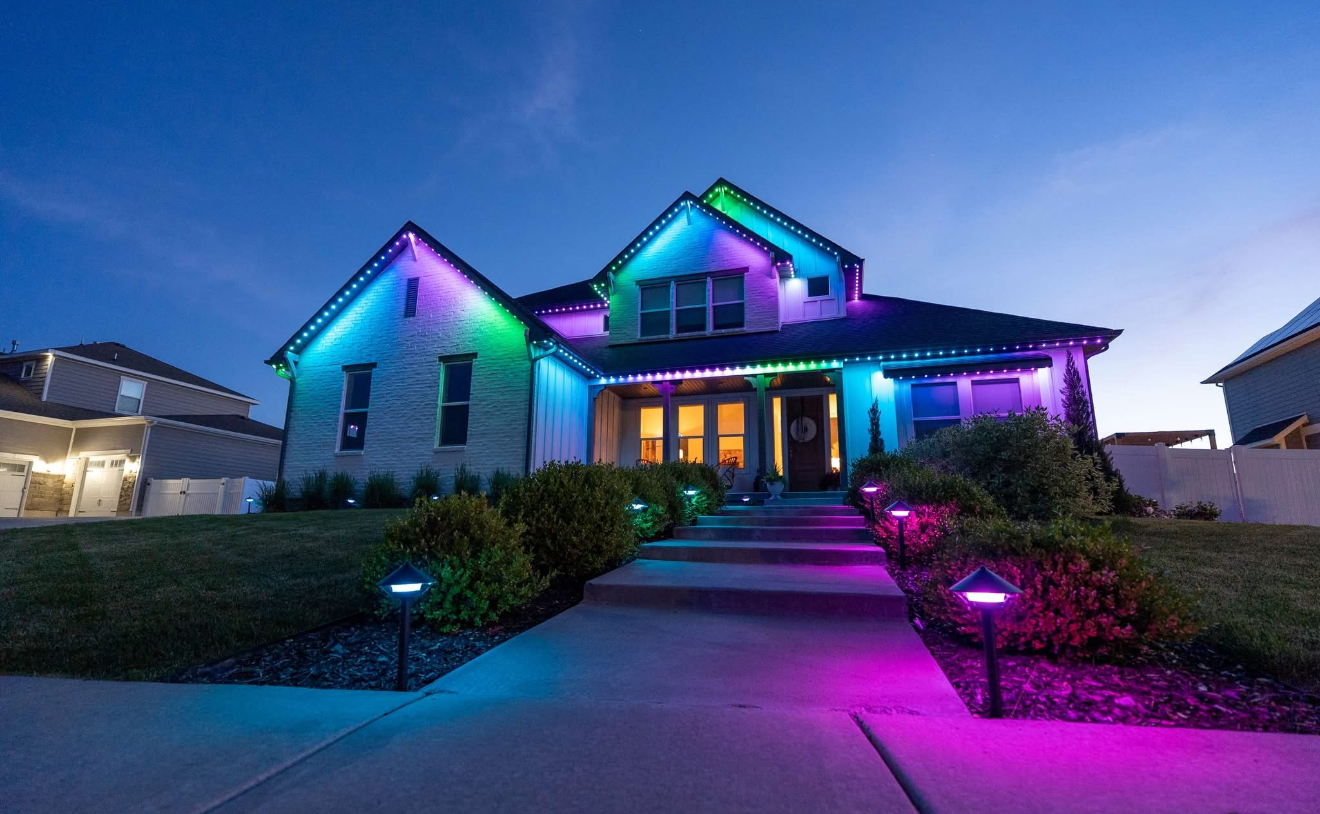
Jellyfish lighting and Control4 integration lets a whole-home automation system include the exterior roofline lighting alongside indoor lighting, audio, and security in one interface. For smart home integrators working on a project, this means adding a driver that lets Control4 talk to the Jellyfish controller rather than treating it as a separate system homeowners manage in a second app.
This kind of integration is increasingly common on larger builds and renovations where a homeowner already has Control4 running the rest of the house. Getting it right takes some coordination between the lighting installer and the integrator before either system goes in.
Here is what integrators and homeowners planning this kind of project should know about combining Jellyfish lighting with a Control4 system.
How the integration actually works
Control4 systems use drivers, which are small software modules that translate commands between the Control4 processor and a specific third-party device or system. A Jellyfish driver lets the Control4 processor send scene and brightness commands to the Jellyfish controller over the local network.
This means a homeowner using a Control4 touch panel or remote can trigger a Jellyfish scene the same way they would dim an indoor light or start a music playlist, all from one interface rather than switching between apps.
The Jellyfish hardware itself does not change for an integrated install. The controller and track are the same equipment used in a standalone setup, with the driver acting as the bridge on the software side.
Coordinating timelines between installers
On projects involving both a Jellyfish install and a Control4 system, timing matters. Ideally the Jellyfish system is physically installed and its own app fully configured with zones and scenes before the Control4 integrator begins mapping those scenes into the whole-home system.
Trying to configure both systems simultaneously without communication between the two installers often leads to rework, especially if zone names or network settings change after the Control4 side has already been mapped.
A short conversation between both installers about IP addressing, network segments, and finished zone names before either side starts programming saves time for everyone involved.
Network considerations for integrated systems
Because Control4 and the Jellyfish controller both need reliable local network access, homes with integrated systems benefit from a wired network backbone rather than relying entirely on Wi-Fi for critical devices. This reduces latency and dropped commands compared to a congested wireless network.
VLANs or network segmentation, common in more sophisticated smart home setups, need to allow communication between the Control4 processor and the Jellyfish controller specifically, which is worth confirming with whoever configured the network.
Static IP addresses or DHCP reservations for both the Control4 processor and the Jellyfish controller prevent the integration from breaking if a device's IP address changes after a router reboot.
Building combined scenes across systems
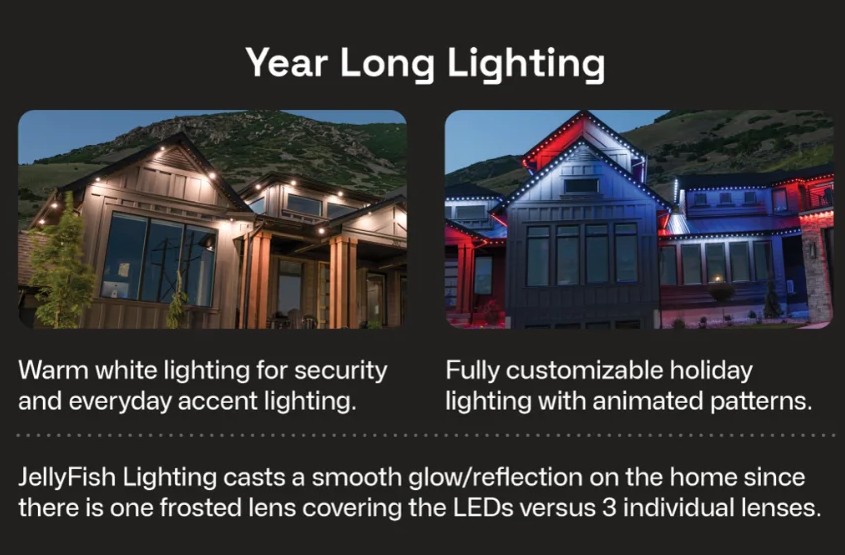
The real value of integration shows up in combined scenes, where one command triggers exterior lighting, indoor lighting, and audio together. A 'movie night' scene, for example, could dim indoor lights, start a playlist, and switch the exterior Jellyfish zones to a subdued warm white simultaneously.
Building these combined scenes typically happens on the Control4 side using the programming interface integrators already use for the rest of the home, once the Jellyfish driver exposes the relevant scenes and zones.
It helps to finalize scene names and zone structure in the standalone Jellyfish app first, since renaming things after Control4 programming is complete means updating references on both sides.
- Finalize Jellyfish zones and scene names before Control4 programming begins
- Use a wired network backbone for critical automation devices where possible
- Set static IPs or DHCP reservations for the Jellyfish controller and Control4 processor
- Test combined scenes thoroughly before handing the system to the homeowner
- Document which scenes live natively in the Jellyfish app versus the Control4 interface
What does not always carry over to Control4
Not every feature in the standalone Jellyfish app is necessarily exposed through a Control4 driver, since drivers are built to cover the most commonly used functions rather than every possible setting. Advanced custom pattern building, for instance, may still need to happen in the native Jellyfish app even on an integrated system.
It is worth setting expectations with homeowners that day-to-day scene switching happens through Control4, but building brand-new custom scenes might occasionally mean opening the Jellyfish app directly.
Checking driver documentation or asking the driver's developer directly about feature coverage before a project starts avoids surprises during commissioning.
Working with us on integrated projects
We install and configure the physical Jellyfish system and handle zone and scene setup in the native app, which gives the Control4 integrator a clean, finished system to map into the whole-home interface. Clear communication about the planned integration during the initial site walk helps both sides plan accordingly.
If you are an integrator working on a project in our service area, reaching out before the lighting installation begins lets us coordinate on network details and timing.
For homeowners planning this kind of project, mentioning the Control4 system during your free quote conversation helps us plan the install with integration in mind from the start.
Frequently asked questions
Does Control4 integration require different hardware than a standalone Jellyfish install?
No, the same Jellyfish track and controller are used. Integration is handled through a software driver on the Control4 side, not different physical equipment.
Can homeowners still use the standalone Jellyfish app after Control4 integration?
Yes, the native app still works and is sometimes needed for building new custom scenes that are not yet mapped into Control4.
Who installs the Jellyfish driver in Control4?
This is handled by the Control4 integrator as part of their system programming, coordinated with the timing of the physical Jellyfish installation.
Does integration affect Jellyfish's own warranty coverage?
Integration itself does not change the hardware, but specific warranty questions should be directed to us since coverage details depend on your installation. See our warranty explainer for general information.
The bottom line
- Control4 integration uses a driver to bridge Control4 and the Jellyfish controller over the network.
- Finalize Jellyfish zones and scenes before Control4 programming begins.
- A wired network backbone improves reliability for integrated automation systems.
- Combined scenes across lighting, audio, and indoor lighting are the main benefit of integration.
- Some advanced custom scene building may still require the native Jellyfish app.
Planning a whole-home integration project
Tell us about your Control4 system during your quote so we can plan the Jellyfish install with integration in mind.
Explore Jellyfish lighting