What Is the Omega Chip Controller and Why Does It Matter?
The Omega Chip controller manages zones, scenes, and app connectivity for Jelly Lights systems. Here's what it does and why it matters for your install.
The Omega Chip controller is the hardware component that manages zones, scenes, and app connectivity for a Jelly Lights system, essentially acting as the brain that translates a command from your phone into a specific pattern displayed across your roofline. It is a piece of hardware most homeowners never think about after installation, but it is doing a lot of work behind the scenes.
Understanding what this controller does helps explain why Jelly Lights can run complex scenes, multiple zones, and smooth transitions rather than just a simple on/off strand.
This post covers what the controller is, where it is installed, and why it matters for the overall system.
What the controller actually does
The controller receives commands from the app over your home network and translates them into signals for each individually addressable LED in the system, managing color, brightness, and timing for every zone. Without it, the LEDs would have no way to receive scene data or coordinate a pattern across the roofline.
It also handles scheduling functions, like sunset-to-sunrise automation, so the system can turn on and off without you manually opening the app every evening.
In simple terms, the track and LEDs are the visible part of the system, while the controller is the part doing the coordination work behind the scenes.
How zones work through the controller
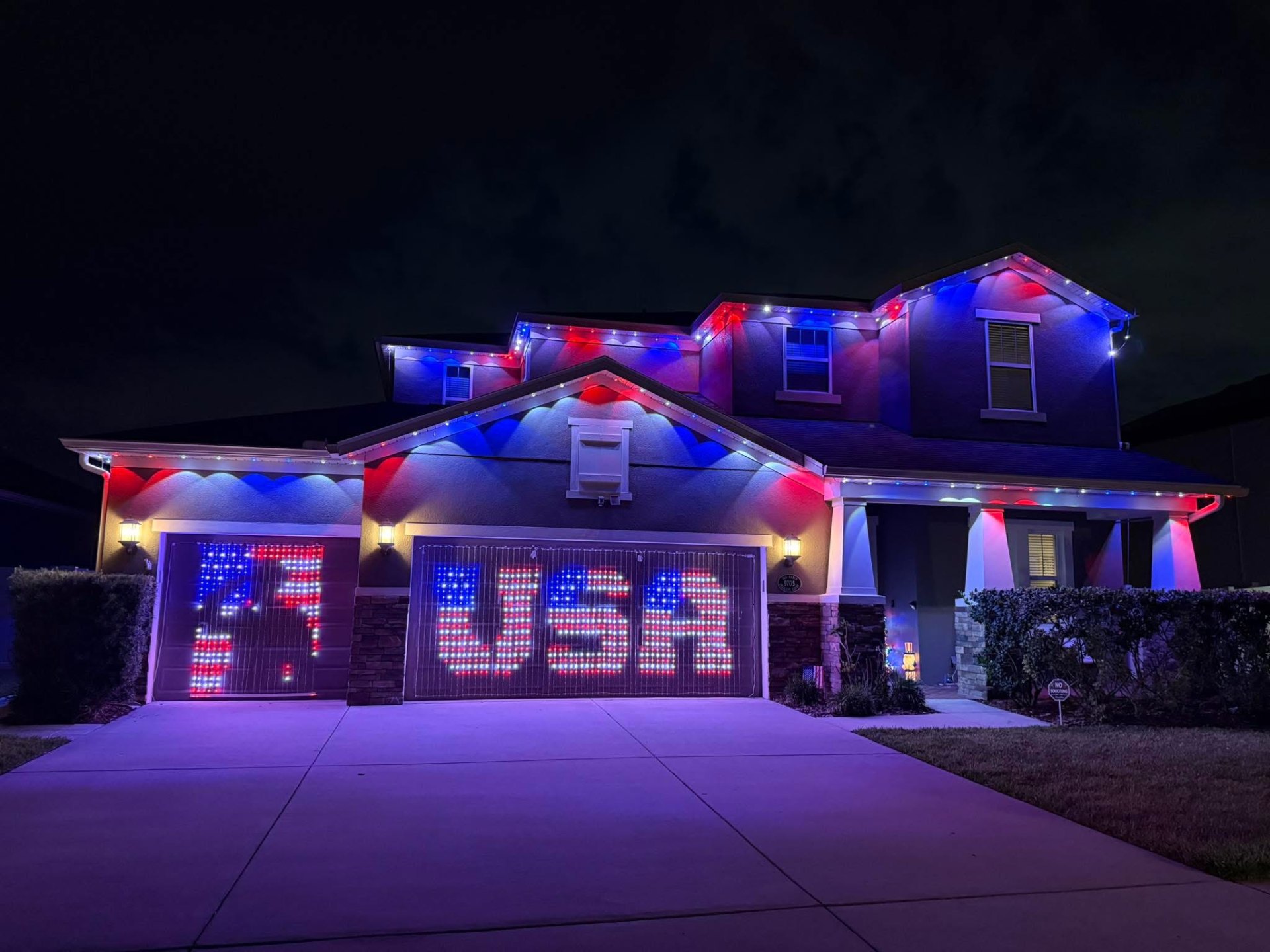
A single controller can typically manage multiple zones, which means different sections of a house, like the front roofline and a backyard patio area, can run independent scenes at the same time. This is what allows a warm white scheme up front while a different color runs in the back for an event.
Zone management is handled entirely through the app once the controller and system are set up, so switching between a unified whole-house scene and independent zones does not require any physical changes to the hardware.
This flexibility is one of the more practical benefits of the controller, especially for larger homes or properties with multiple lighting areas like Landscape Series fixtures added later.
Where the controller gets installed
The controller is typically mounted near an existing power source, often close to the electrical panel, in a garage, or near attic access, somewhere accessible for maintenance without being a visible or disruptive addition to your home. We determine the best location during the site walk based on your home's layout and existing power access.
It needs a reliable connection to your home Wi-Fi network, so placement also considers signal strength, particularly in homes with a detached garage or larger property where network coverage may be weaker in certain areas.
Because it is a piece of hardware that stays in place for the life of the system, getting placement right during installation matters more than it might seem at first.
Why this matters when comparing lighting systems
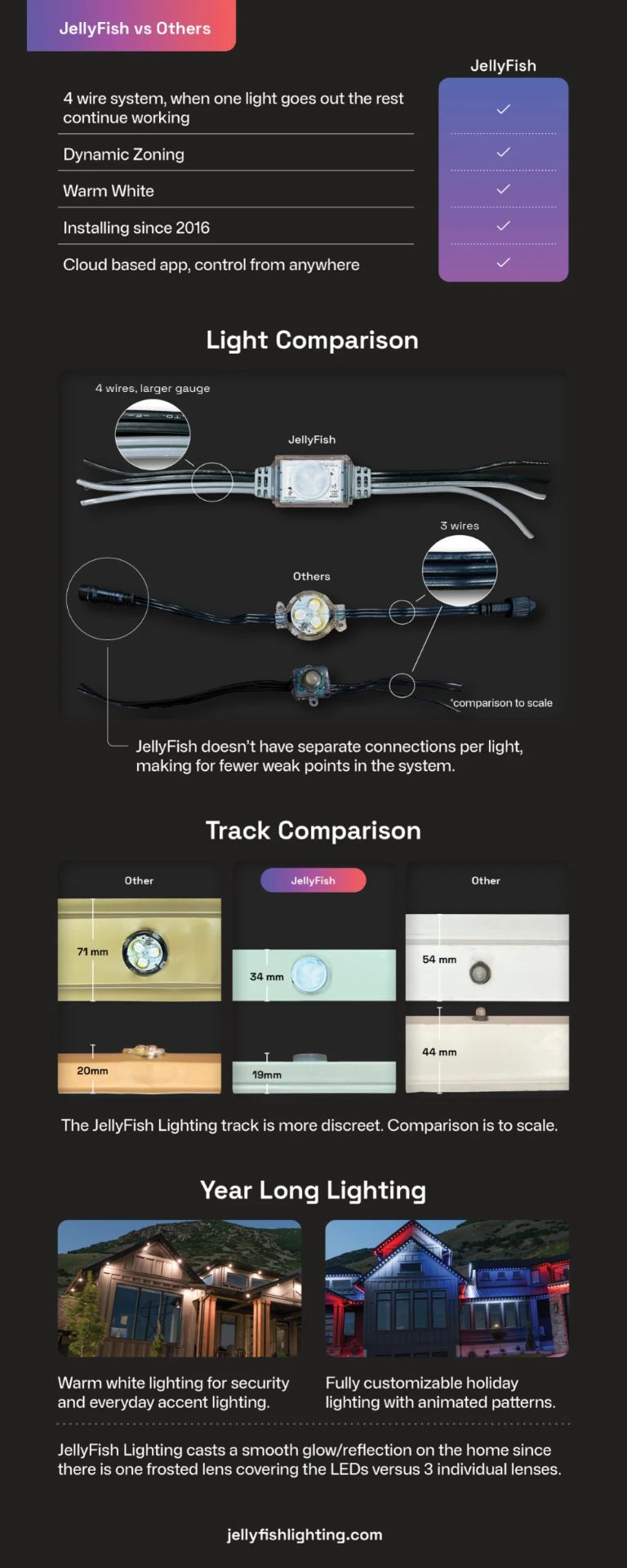
When you compare Jelly Lights to other permanent lighting products, including Govee lighting, the controller and app ecosystem behind each system is a meaningful part of the comparison, not just the visible track and LEDs. Different systems handle zones, scheduling, and scene complexity differently based on their underlying controller hardware.
This is part of why we walk through the full system, not just the fixture, during a quote, since the controller affects what you will actually be able to do with the lighting day to day.
If you already have a system installed and are considering adding more zones or fixtures, the existing controller's capacity is one of the first things we check.
Maintenance and troubleshooting basics
If a whole system stops responding to the app rather than just one section going dark, the controller's network connection is often the first thing to check, similar to troubleshooting any other smart home device that lost its Wi-Fi connection. A router restart or checking your home network status resolves a fair number of these issues.
For anything beyond a basic connectivity check, reaching out for a maintenance visit is the more reliable path, since controller-level issues are less common but more involved to diagnose than a simple loose bulb.
Because the controller is central to the whole system, keeping its location accessible and free of obstructions makes any future maintenance visit quicker.
- Check home Wi-Fi connectivity if the whole system stops responding
- Keep the controller's mounting location accessible for future maintenance
- Note controller capacity before planning a zone or fixture expansion
- Reach out for a maintenance visit for anything beyond a basic network check
Frequently asked questions
Do I need to interact with the controller directly?
No. Day-to-day use happens entirely through the app. The controller works in the background and only needs attention during installation, expansion, or troubleshooting.
Can one controller manage my whole house?
Often yes, depending on the total system size and number of zones. Larger properties or expansions sometimes need a second controller, which we determine during the site walk or a follow-up quote.
What should I check if my whole system stops responding?
Start by checking your home Wi-Fi connection, since the controller needs network access to receive commands from the app. A router restart resolves many of these issues.
Where is the controller usually installed?
It is typically mounted near an existing power source, often close to the electrical panel, garage, or attic access, in a spot that is accessible but not visually disruptive.
The bottom line
- The Omega Chip controller manages communication between the app and every LED in the system.
- It supports multiple zones, allowing different areas of a property to run independent scenes.
- Placement during installation matters for both network signal and future maintenance access.
- Controller capacity is a key consideration when planning a future lighting expansion.
- Most troubleshooting starts with a basic home network check before anything more involved.
Curious how the full system works together
We'll explain the hardware behind your quote, not just the visible lighting.
Explore Jelly Lights