Govee Permanent Outdoor Lighting Installation
How Govee permanent outdoor lighting installation works, from Pro and Elite track options to professional mounting and app setup.
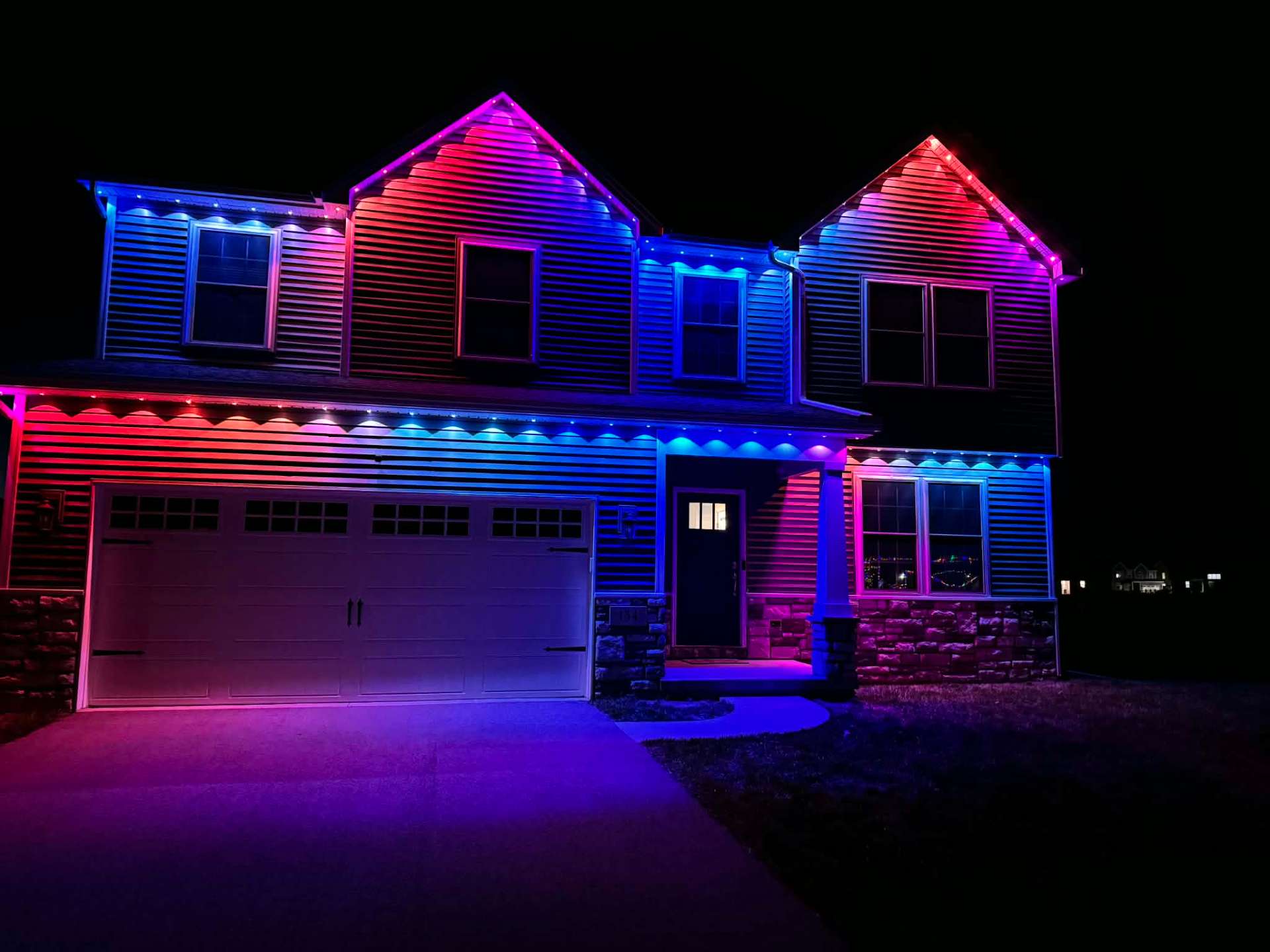
Govee permanent outdoor lighting installation uses cuttable aluminum track, either the 19-inch Pro sections or the 15-inch spacing on the Elite line, mounted along your roofline and wired to a smart controller. The system connects to the Govee app for color scenes, scheduling, and music sync features.
Govee has become a popular choice because it offers both a DIY track kit for simpler rooflines and a fully professional installation option for larger or more complex homes. Understanding the difference helps you pick the right path for your house.
Here is how Govee's permanent systems work, what installation involves, and when professional mounting makes more sense than a DIY kit.
What Govee's permanent lighting hardware includes
Govee's permanent systems ship with cuttable aluminum track designed to mount along fascia or roofline edges, an LED strip with individually addressable pixels, and a smart controller box. The Pro line uses 19-inch cuttable sections, while the Elite (Govee 2) line uses 15-inch spacing for a slightly different LED density.
The track is cuttable, meaning installers can trim sections to fit exact roofline measurements rather than working only with fixed lengths, which helps with corners and shorter runs near dormers or gables.
A power supply sized to the total pixel count keeps color and brightness consistent across long runs, which matters more on larger homes with multiple track sections.
Pro versus Elite: which track fits your home
The Pro line's 19-inch cuttable sections work well for most standard rooflines and offer a proven, widely installed option. The Elite line's tighter 15-inch spacing can suit homes where a denser LED look is preferred.
Neither option is universally better. The right choice depends on your roofline shape, desired brightness density, and sometimes simply what is available for your specific project timeline.
During a site walk, we can talk through which track fits your home's architecture and your goals for how bright or dense you want the lighting to look.
Professional installation: what changes versus DIY
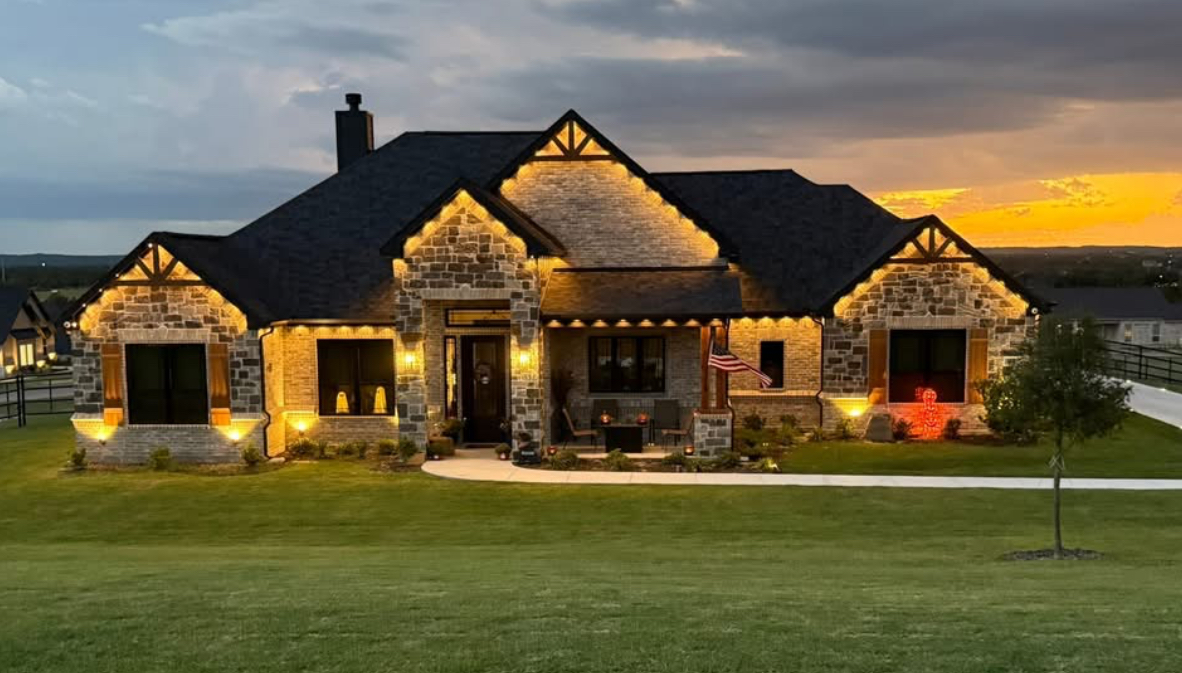
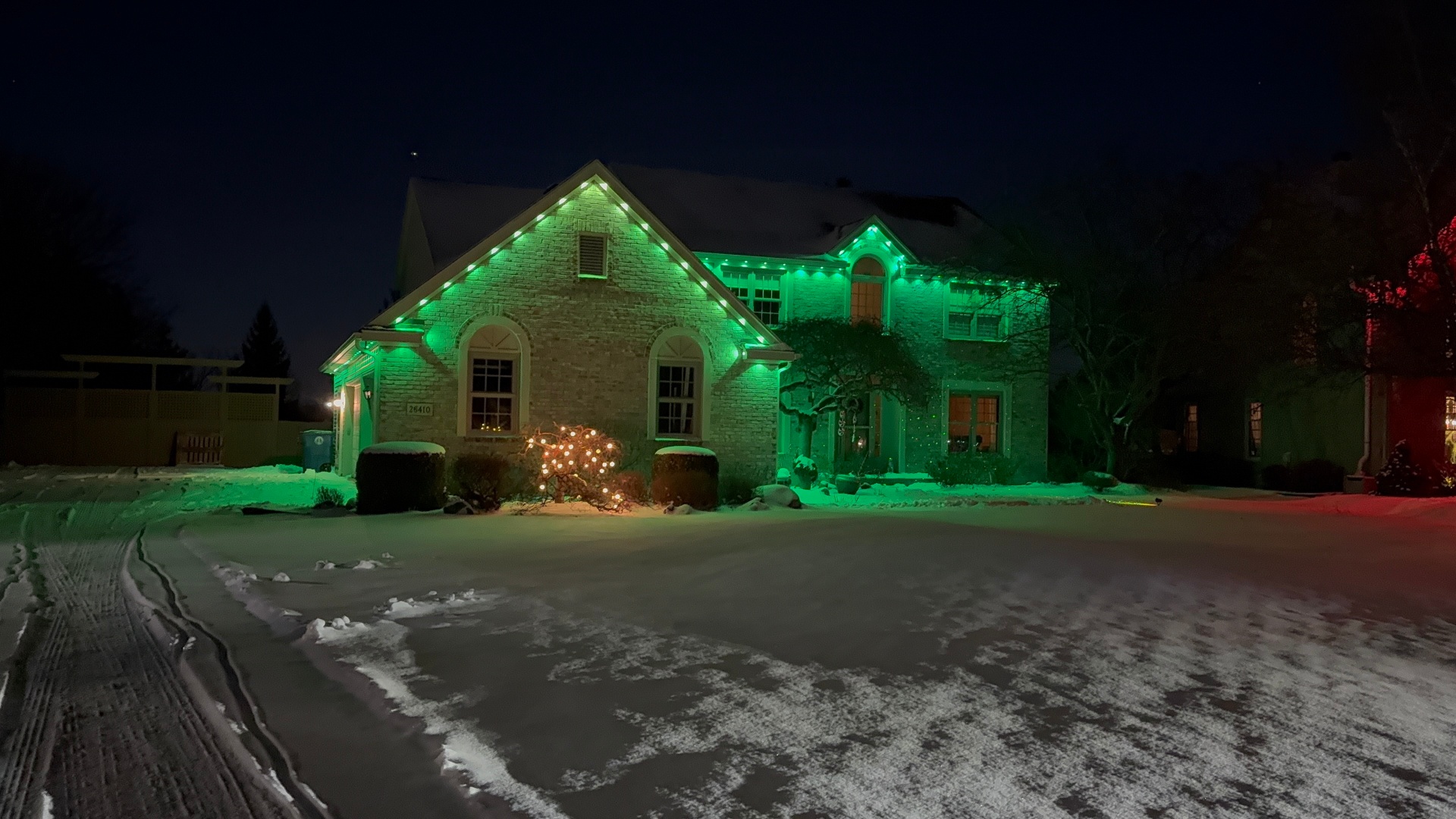
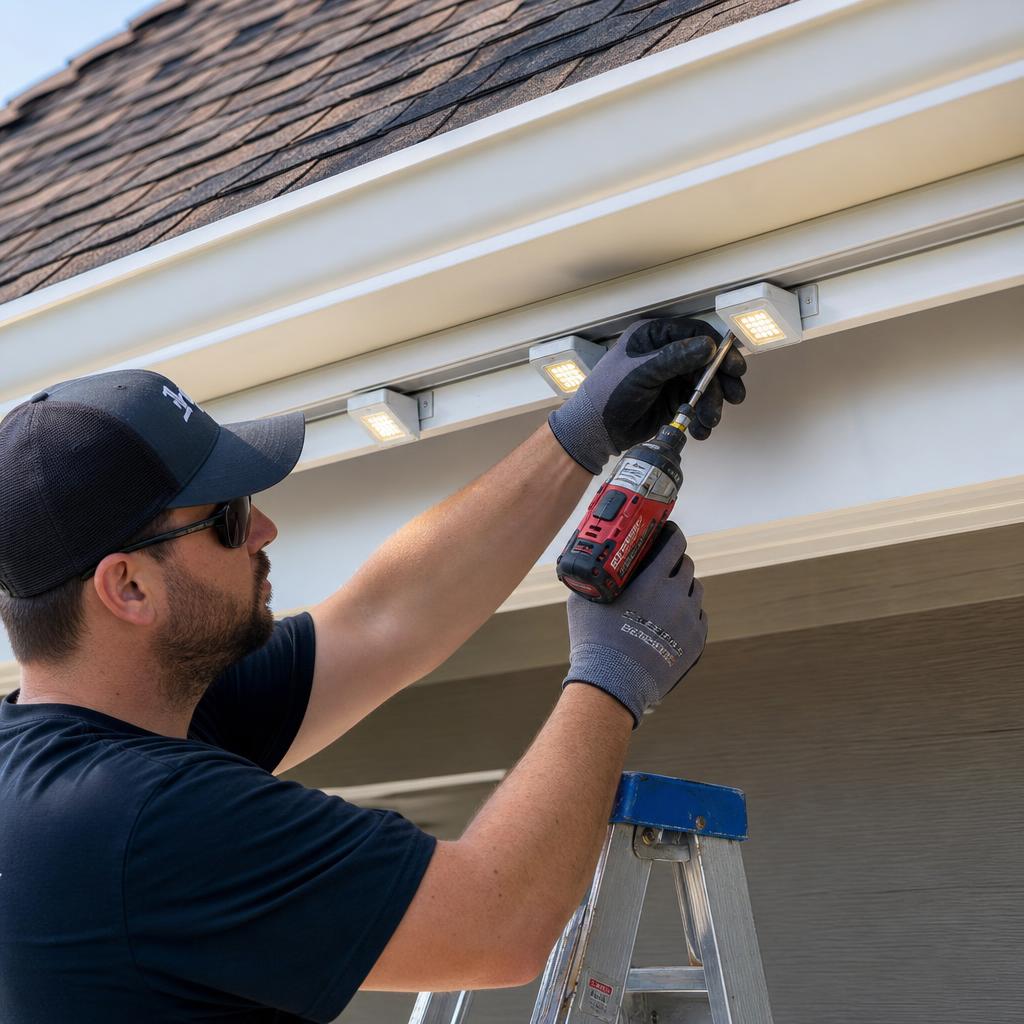
Professional installation starts the same way as any permanent lighting job: measuring the roofline, planning track runs around obstacles, and mounting brackets to the fascia with weather-rated hardware. The difference is precision on corners, hidden wiring routed through soffits, and a power supply matched exactly to your pixel count.
A professional crew also handles Wi-Fi pairing and app configuration, including setting up starter scenes and schedules, before walking you through how to use them.
For homes with multiple stories, steep pitches, or a lot of trim detail, professional installation usually produces a cleaner result in less total time than a DIY attempt.
DIY track kits for simpler rooflines
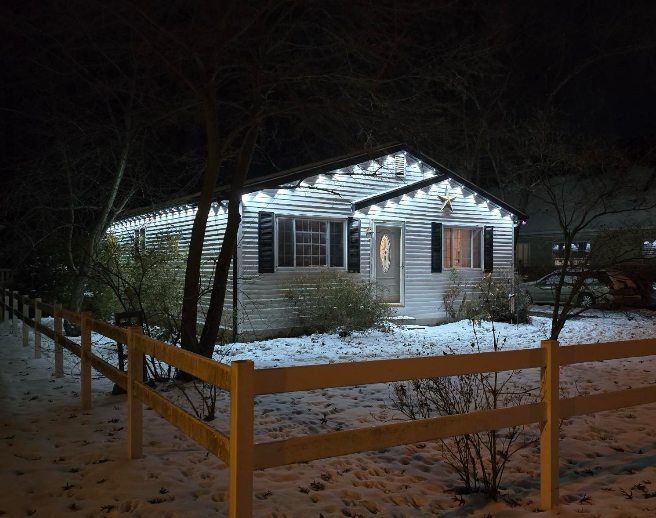
If your roofline is a straightforward single story with few corners, Govee track kits are built for homeowners to install themselves with basic tools like a drill and level. This route costs less in labor and lets you control the installation timeline.
DIY installation still benefits from careful planning: measure twice before cutting track, plan your wiring route before mounting brackets, and test the system before final mounting to catch any dead pixels early.
If a DIY attempt turns out more complicated than expected partway through, professional installers can often finish or correct a partially completed job rather than starting over.
- Measure the full roofline before ordering track or cutting anything
- Plan wiring routes to the controller before final mounting
- Test the strip for dead pixels before permanently securing track
- Use weather-rated fasteners rated for outdoor exposure
- Keep corner cuts consistent so LED spacing looks even
App features and everyday use
The Govee app controls color scenes, brightness, and scheduling, and includes effects like music sync and preset holiday scenes. You can save custom scenes for regular use and switch to seasonal or event-specific colors whenever you want.
Scheduling lets the system turn on automatically around sunset and off at a set time, which is useful for both everyday lighting and holiday decoration without manual switching.
Because the controller stays connected to your home Wi-Fi, updates to the app can add new features to the system over time without any hardware changes.
Choosing between DIY and professional Govee installation
If you are comfortable with basic electrical work and have a simple roofline, a DIY Govee track kit is a reasonable and lower-cost path. If your home has multiple stories, a complex roofline, or you would rather not spend a weekend on a ladder, professional installation is worth the added cost.
We install Govee systems professionally throughout Perrysburg, Maumee, Toledo, and surrounding areas, and also sell Govee track kits for homeowners who want to handle installation themselves.
According to the U.S. Consumer Product Safety Commission, outdoor electrical installations should always use weather-rated components and be kept clear of standing water, a good reminder whether you DIY or hire it out.
Frequently asked questions
What is the difference between Govee Pro and Elite track?
Pro uses 19-inch cuttable sections while Elite (Govee 2) uses 15-inch spacing for a different LED density. Both work well; the right choice depends on your roofline and desired look.
Can I install a Govee system myself?
Yes, on simpler single-story rooflines, our Govee track kits are designed for DIY installation with basic tools. More complex homes usually benefit from professional installation.
Does professional installation include app setup?
Yes, we pair the controller to your Wi-Fi, configure the app, set up starter scenes and schedules, and walk you through using it before we leave.
Is Govee track cuttable to fit my exact roofline?
Yes, both Pro and Elite track are cuttable, which lets installers trim sections to match your exact roofline measurements, including shorter runs near corners.
The bottom line
- Govee permanent systems use cuttable Pro (19-inch) or Elite (15-inch) track configurations.
- The app controls scenes, scheduling, brightness, and music sync features.
- DIY track kits suit simple, single-story rooflines and basic tools.
- Professional installation is better for complex rooflines, hidden wiring, and precise corners.
- Both DIY and professional paths are available depending on your home and budget.
Choose your Govee installation path
Get a professional install for a complex roofline, or pick up a track kit and handle it yourself.
Explore Govee lighting