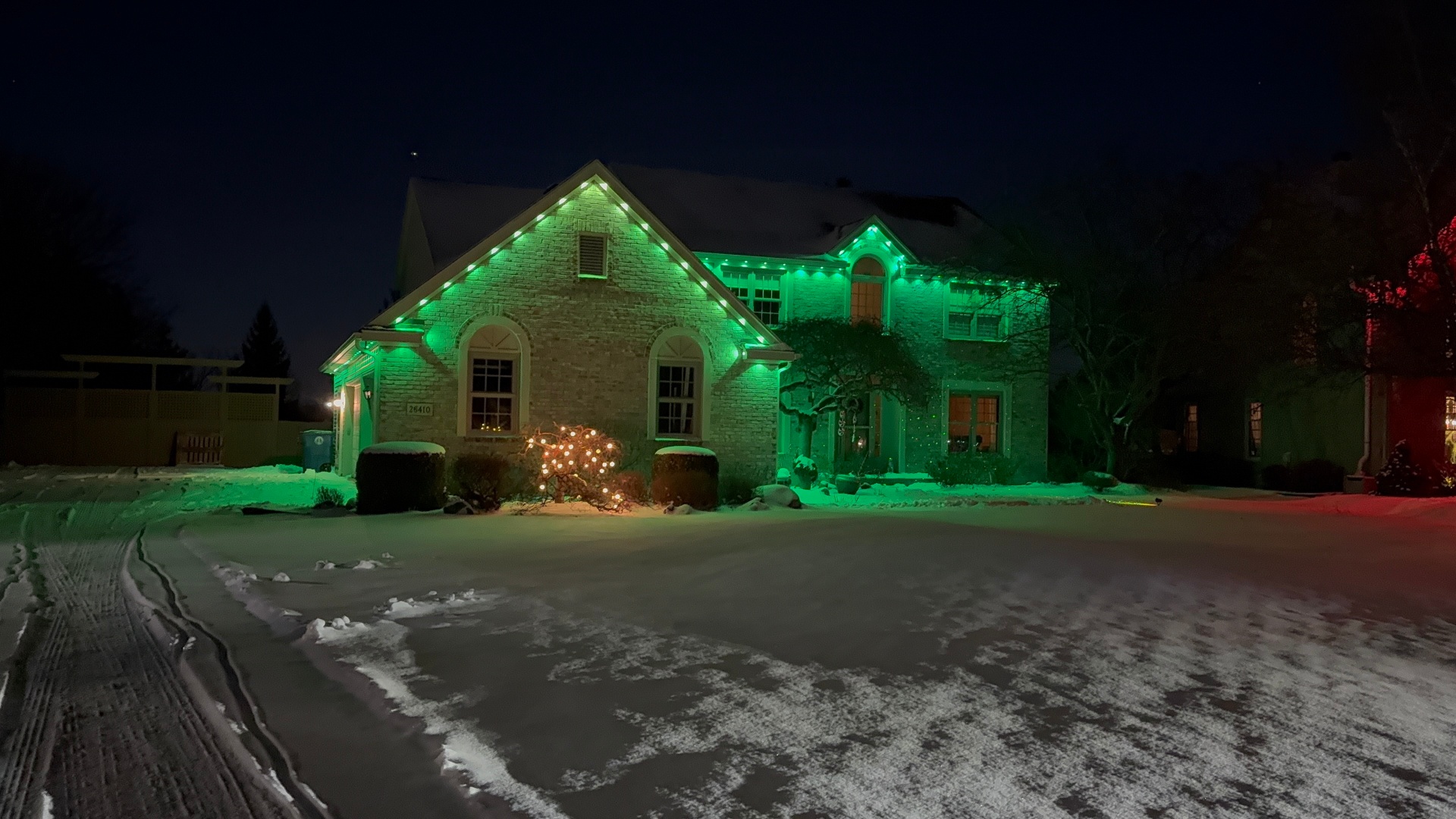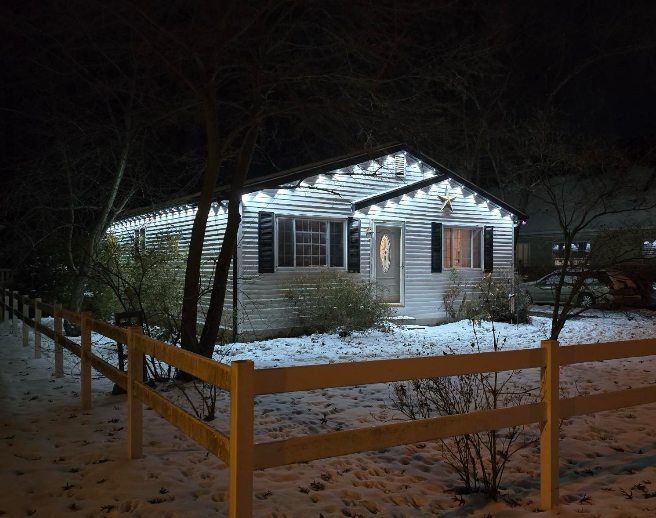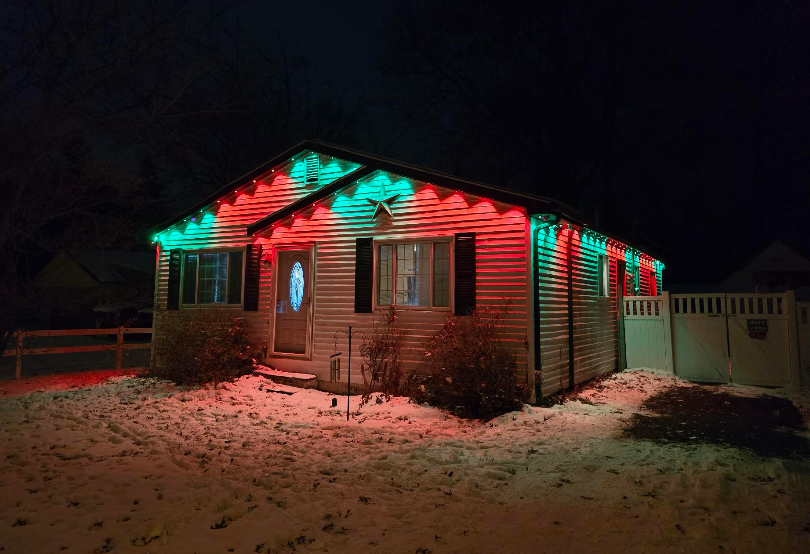
Smart Lighting Automation for Outdoor Spaces
Smart lighting automation for outdoor spaces done right means sunset triggers, saved scenes, and voice control that stay simple to use.
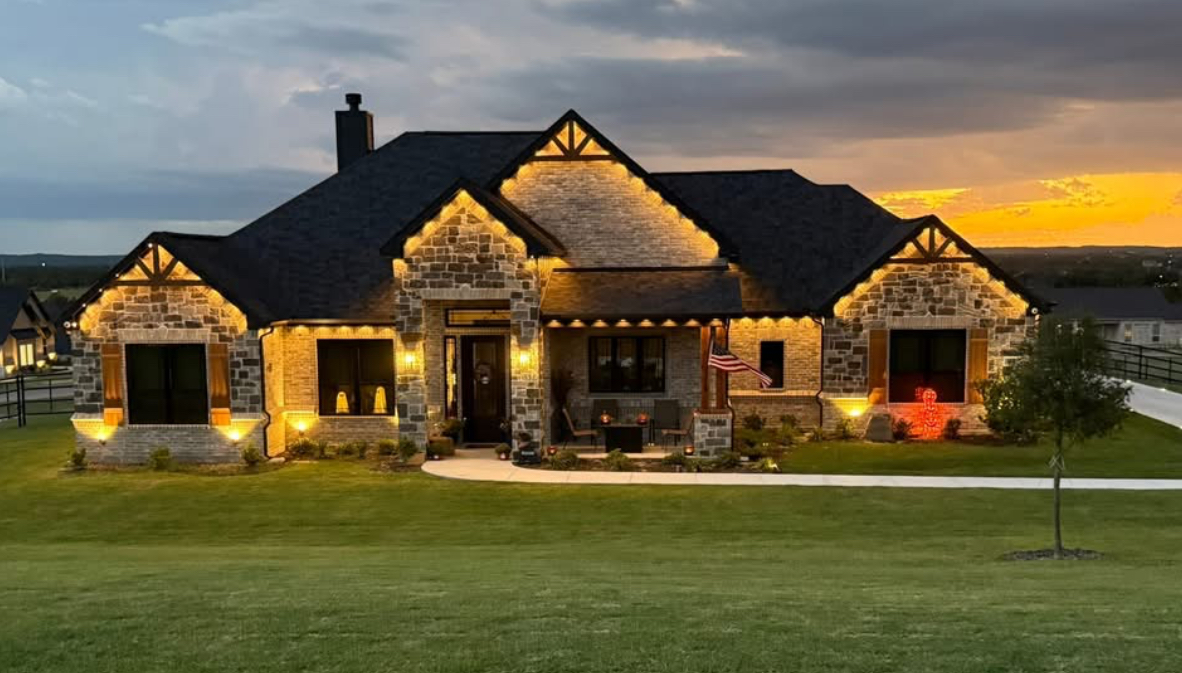
Smart lighting automation for outdoor spaces works best when it disappears into your routine instead of becoming another app you have to babysit. That means sunset-based triggers, a short list of named scenes, and voice control that a guest could operate without instructions.
We set up Govee-based systems on homes across Northwest Ohio every week, and the difference between a system people love and one they abandon almost always comes down to setup, not hardware.
Segment naming is the step people skip
Every run of Govee permanent lighting is broken into segments during setup. If you name them 'Front Roofline,' 'Garage Peak,' and 'Patio Trim,' scene building later takes minutes.
Skip this step and you end up guessing which segment number controls what, which is the number one reason DIY installs get abandoned within a season.
Sunset triggers beat fixed schedules
A fixed 7:00 pm schedule looks great in June and wrong in December. Sunset and sunrise triggers pull your local time automatically and adjust through the year without you touching the app.
Pair that with an off trigger a set number of hours after sunset if you do not want lights running all night, or leave a dim security scene on until sunrise.
Build a short list of scenes you'll actually use
Most homeowners land on four or five scenes: a daily warm white, a holiday pair swapped in December, team colors for game days, and an away mode with slight variation to look lived-in.
Resist the urge to build twenty scenes during the excitement of a new install. A short, clearly named list gets used. A long one gets ignored.
- Everyday warm white for regular evenings
- Holiday scene swapped in for the season
- Team colors or event scene for game days
- Away/security scene with subtle variation
Voice control setup that actually works
Link your controller to Alexa or Google Home once segments and scenes are named clearly. Say the scene name the way a person would naturally phrase it, since voice assistants match closer to plain language than exact app labels.
Test each voice command in the room where family members will actually use it, not just standing next to the router.
Wi-Fi placement matters more than people expect
The controller needs a reliable signal, especially on larger homes with long roofline runs. If your router sits on the opposite side of the house, a mesh extender near the garage or attic access point solves most dropout issues.
Dropouts show up as delayed triggers or scenes that partially apply, which people often blame on the lights themselves rather than the network.
Where automation earns its keep beyond looks
Automated lighting that turns on at dusk and off late at night adds a layer of outdoor security without you remembering to flip a switch every evening.
It also means you are not scrambling to change colors manually before guests arrive. Trigger the scene from your phone as you pull in the driveway.
Frequently asked questions
Do I need a smart hub for outdoor smart lighting?
No. Govee systems connect directly over Wi-Fi through their own app, and most integrate with Alexa or Google Home without a separate hub.
What happens if my Wi-Fi goes down?
The lights hold their last state and any locally stored schedules generally still run, but new scene changes and voice commands need connectivity to reach the controller.
Can I control different sections of my house separately?
Yes, as long as segments were named and grouped correctly during setup. That is why proper segment naming at install time matters so much for usability later.
Is DIY smart lighting automation realistic for most homeowners?
Basic scenes and schedules are approachable. Where people get stuck is segment naming, voltage planning on long runs, and Wi-Fi placement, which is where our Govee track kits and install guidance help.
The bottom line
- Name segments clearly before building any scenes.
- Use sunset/sunrise triggers instead of fixed clock times.
- Keep your scene list short so the whole household actually uses it.
- Check Wi-Fi coverage at the controller location, not just inside the house.
Get your Govee system set up right the first time
We handle segment naming, scene building, and app setup so your outdoor smart lighting stays simple to use for everyone in the house.
Explore Govee lighting